With the all-in-one intelligent cloud provider
Unknown
railway.app—
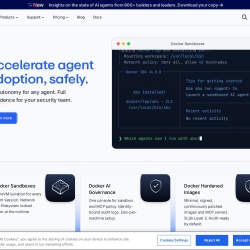
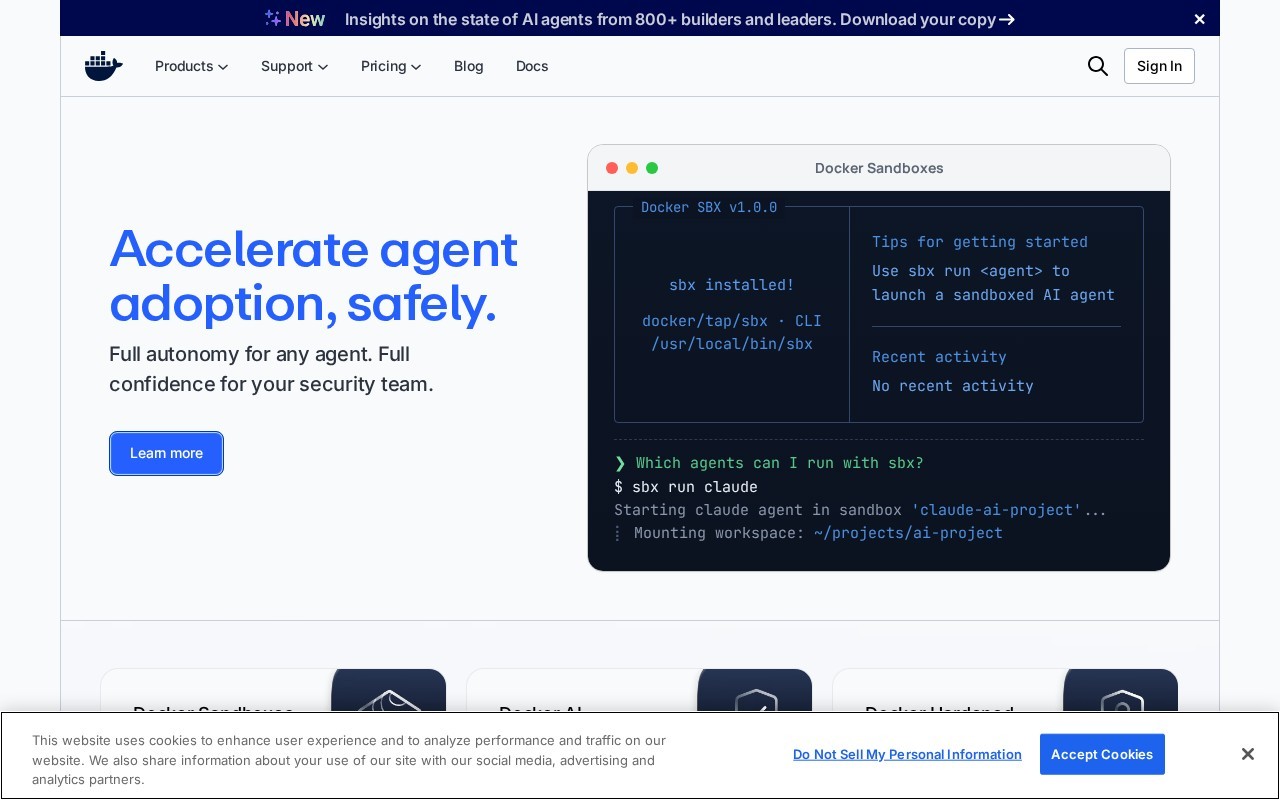
Accelerate agent adoption, safely.
Docker is a Developer Tools tool that is free to use. Accelerate agent adoption, safely.
Docker offers a suite of tools for modern software development, including Docker Desktop for local container development, Docker Hub for image management, Docker Scout for container monitoring, and Docker Build Cloud for faster builds. It emphasizes security with features like microVM isolation, identity-bound audit logs, and hardened images. Docker supports developers and enterprises with scalable, secure, and efficient containerization solutions.
👍 Best for
Pricing model: Subscription · from Free. No plan details yet.
Docker Desktop provides a unified development environment with a comprehensive suite of tools, making it easy for developers to build and run containers locally.
Confidence: 90%
Docker offers a wide range of features including microVM isolation, identity-bound audit logs, and hardened images, catering to both individual developers and enterprises.
Confidence: 90%
Docker integrates seamlessly with CI/CD tools like GitHub Actions and offers a unified platform for building, securing, and deploying containerized applications.
Confidence: 90%
Docker offers various support options including business day response times and premium support add-ons, ensuring users can get help when needed.
Confidence: 70%
Docker provides a free plan for individual developers and scalable pricing for teams and enterprises, offering good value for the features provided.
Confidence: 80%
Docker provides a comprehensive suite of tools for building, securing, and deploying containerized applications, with features like microVM isolation, governance, and hardened images. It offers scalable solutions for individual developers, small teams, and enterprises.
Share your experience to help the community.
Sign in to reviewComprehensive Containerization Solutions
Docker stands out as a leader in containerization, offering a robust suite of tools that cater to developers, teams, and enterprises alike. With Docker Desktop, developers can enjoy a unified environment for local container development, while Docker Hub simplifies image management. Docker Scout ensures container security and compliance, and Docker Build Cloud accelerates build times. The emphasis on security with microVM isolation and hardened images makes Docker a reliable choice for modern software development. The free plan is a great starting point for individual developers, while scalable pricing ensures that growing teams and enterprises can access advanced features. Overall, Docker provides a comprehensive, secure, and efficient solution for containerized application development.
No suggestions yet — contribute to improve this page.
No discussion yet — start the conversation.
With the all-in-one intelligent cloud provider
Your fastest path to production for intuitive infrastructure to scale any app or agent
Snyk is the AI Security Fabric
The AI-native API Platform
Go to the Docker website and sign up for a free account to get started with their tools and services.
Download and install Docker Desktop on your local machine. This is the primary tool for building and running containers locally.
Use the Docker CLI or Desktop interface to pull a pre-built image from Docker Hub, such as a basic web server, to run your first container.
Create a Dockerfile to define your application's environment and dependencies, then use the 'docker build' command to create your own container image.
Tag your custom image and push it to your Docker Hub repository to store and manage it in the cloud.
Use features like Docker Scout to monitor your container's security posture and explore the microVM isolation and audit log features for governance.
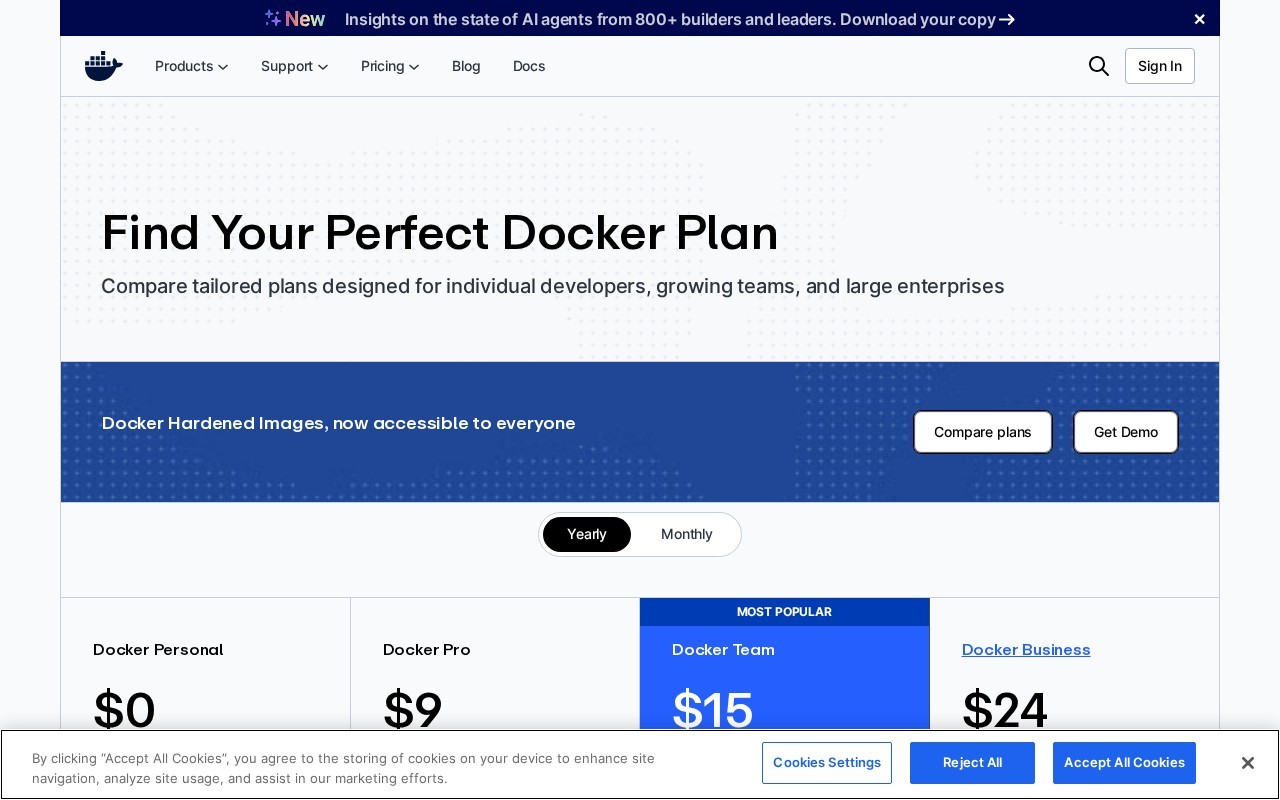
Yes, Docker offers a free plan starting at 0 USD per month.
Docker emphasizes security with features like microVM isolation for container safety, identity-bound audit logs for governance, and hardened images.
Docker is used for building, securing, and deploying containerized applications. Common use cases include local container development, secure image management, container monitoring, and cloud-powered builds.
Docker provides a suite of tools including Docker Desktop for local development, Docker Hub for image management, Docker Scout for monitoring, and Docker Build Cloud for faster builds.
Facts on this page are attributed to their source and verification status where available. Primary source: docker.com.
Versioned field history and change tracking will appear here as the tool is enriched and updated (Phase 2+).