Automate. Save time. Get more done.
Free planAPISubscription
ifttt.comFree
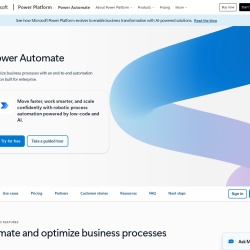
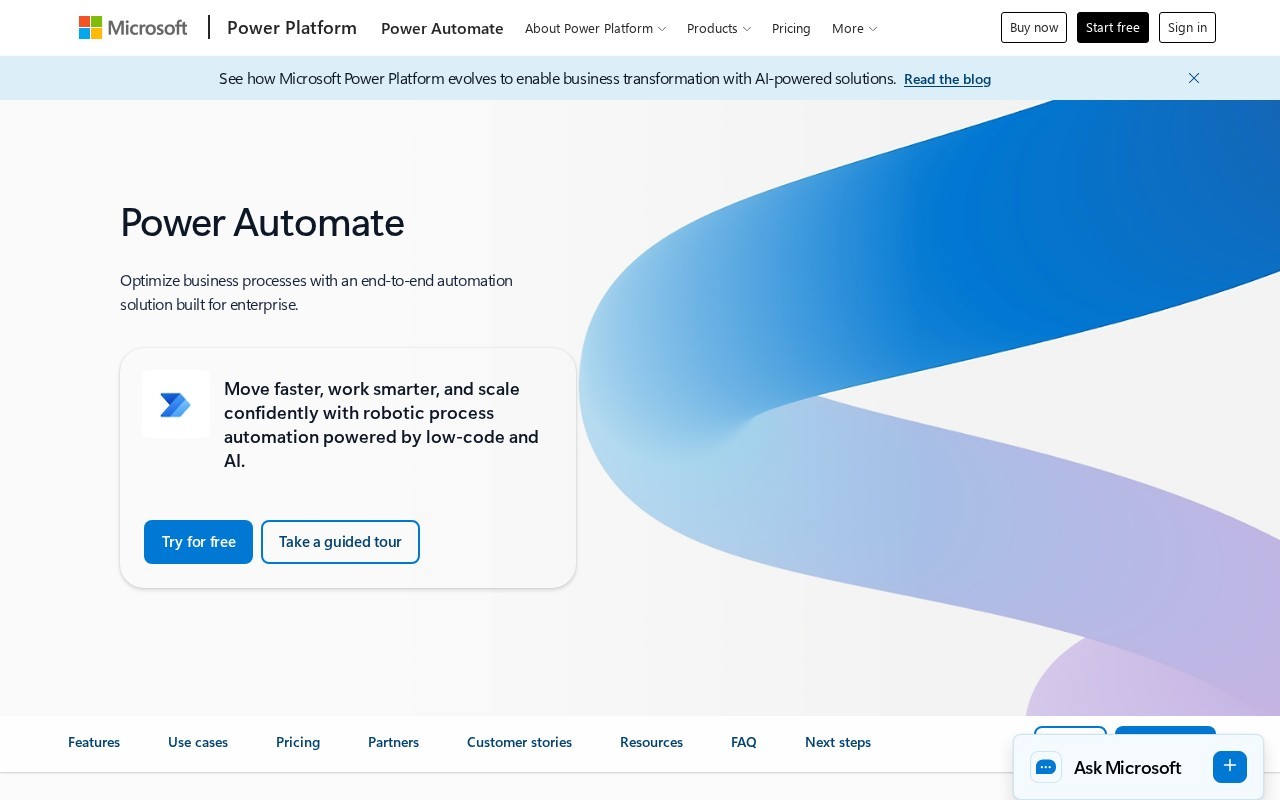
Optimize business processes with an end-to-end automation solution built for enterprise
Power Automate is a Automation tool that starts at $15/mo. Optimize business processes with an end-to-end automation solution built for enterprise
Power Automate provides robotic process automation (RPA) and digital process automation (DPA) to streamline business processes. It includes features like AI authoring, AI insights, AI processing, and AI generation to enhance automation. The tool supports desktop automation, cloud flows, and process mining to identify optimization opportunities. It integrates with Microsoft 365 and offers over 1,000 API connectors.
👍 Best for
Pricing model: Subscription · from $15. No plan details yet.
Experience Power Automate, including premium features, free for 30 days.
The tool emphasizes low-code development and AI assistance, making it accessible for non-technical users.
Confidence: 80%
Comprehensive features including RPA, DPA, AI, and extensive integrations.
Confidence: 90%
Over 1,000 API connectors and native integration with Microsoft 365 and other Microsoft products.
Confidence: 90%
Microsoft provides extensive documentation and community support, but no direct evidence of premium support options.
Confidence: 70%
Offers a free trial and competitive pricing for enterprise-grade automation features.
Confidence: 80%
Power Automate is a comprehensive automation tool from Microsoft that combines RPA, DPA, and AI to optimize business processes. It offers flexible pricing plans, extensive integrations, and powerful features for enterprise-scale automation.
Share your experience to help the community.
Sign in to reviewPowerful Enterprise Automation with Microsoft Integration
Power Automate stands out as a robust automation platform, particularly for enterprises already invested in the Microsoft ecosystem. The combination of RPA, DPA, and AI capabilities provides a comprehensive solution for automating complex business processes. The pricing is competitive, especially considering the enterprise-grade features and Microsoft's security and governance standards. The 30-day free trial is a great way to explore the platform's capabilities. While the process mining data storage limits might be restrictive for some large-scale implementations, the overall feature set and integration options make this a top choice for business process automation.
No suggestions yet — contribute to improve this page.
No discussion yet — start the conversation.
Automate. Save time. Get more done.
Enterprise orchestration for data and AI
Plug AI into your own data & over 500 integrations
The visual AI automation platform
Visit the Power Automate website and create a free account to explore the platform's basic features and capabilities.
Browse the library of pre-built automation templates for common tasks like approvals, notifications, or data synchronization to get started quickly.
Use the low-code designer to build a simple automated workflow, such as sending an email notification when a new file is added to SharePoint.
Use the available connectors to link Power Automate to the apps you use, like Microsoft 365, Outlook, or other business systems.
Run a test of your created flow to ensure it works correctly, then publish it to start automating your business process.
Use the built-in analytics and process mining features to monitor the performance of your automations and identify areas for improvement.
Power Automate has a subscription model with a starting price of $15 USD per month. It also offers a free plan.
Yes, Power Automate offers a free plan in addition to its paid subscription tiers.
Power Automate integrates with Microsoft 365 and offers over 1,000 API connectors to connect with various other systems and applications.
Yes, Power Automate is designed as a low-code automation tool, making it accessible for users without extensive programming experience to build workflows.
Key features include AI authoring with Copilot, AI insights, AI processing, desktop automation (RPA), cloud flows, process mining, and access to over 1,000 connectors.
Facts on this page are attributed to their source and verification status where available. Primary source: microsoft.com.
Versioned field history and change tracking will appear here as the tool is enriched and updated (Phase 2+).