Create and sell custom products
Free planFreemium
printify.comFree
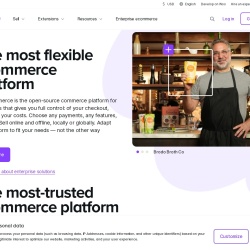
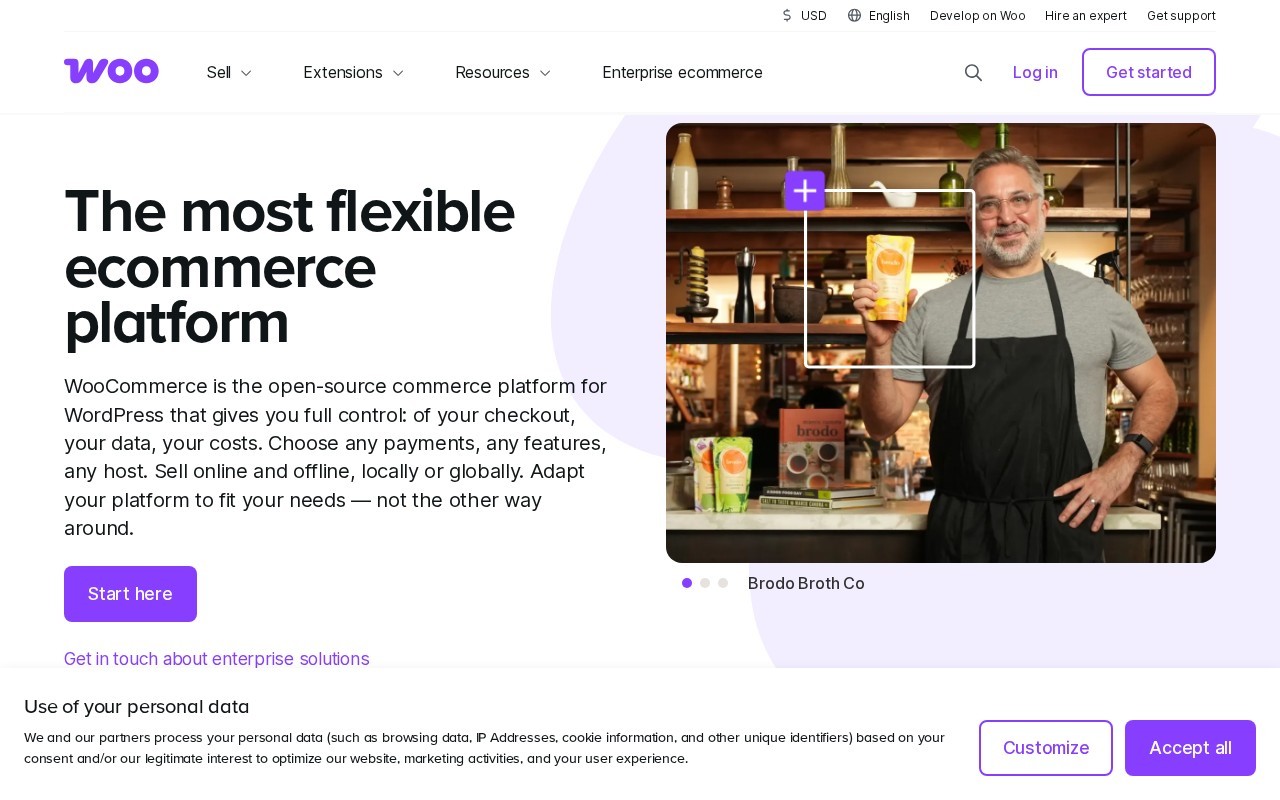
The most flexible ecommerce platform
WooCommerce is a E-commerce tool that is free to use. The most flexible ecommerce platform
WooCommerce is the open-source commerce platform for WordPress that gives you full control: of your checkout, your data, your costs. Choose any payments, any features, any host. Sell online and offline, locally or globally. Adapt your platform to fit your needs — not the other way around.
👍 Best for
Pricing model: Open source · from Free. No plan details yet.
Sign up for WooPayments and save 10% on payment processing costs for the first 3 months.
WooCommerce offers extensive customization but may require technical knowledge for setup.
Confidence: 70%
Supports a wide range of features and extensions for customization.
Confidence: 80%
Integrates well with WordPress and various payment gateways.
Confidence: 80%
Support teams are available globally, but quality may vary.
Confidence: 70%
The core platform is free, offering significant value for businesses.
Confidence: 90%
WooCommerce is a flexible, open-source ecommerce platform for WordPress, offering full control over checkout, data, and costs, with extensive customization options through extensions.
Share your experience to help the community.
Sign in to reviewA Versatile Ecommerce Solution for WordPress Users
WooCommerce stands out as a highly flexible and open-source ecommerce platform tailored for WordPress users. Its core offering is free, which makes it an attractive option for businesses looking to minimize costs while maximizing control over their online store. The platform supports a wide range of payment processors and allows for extensive customization through numerous extensions and themes. This makes it ideal for developers and businesses that require a tailored ecommerce solution. WooCommerce's ability to handle both online and offline sales, along with its global reach, further enhances its appeal. However, users should be prepared for a learning curve, especially if they are new to WordPress or ecommerce platforms. Overall, WooCommerce is a robust choice for those seeking a customizable and cost-effective ecommerce solution.
No suggestions yet — contribute to improve this page.
No discussion yet — start the conversation.
Create and sell custom products
Sell everywhere people shop.
Build an online business that still feels human
Sell anything, anywhere with ease.
Purchase web hosting and a domain name, then install WordPress on your hosting account. This is the foundation required to run WooCommerce.
From your WordPress admin dashboard, go to 'Plugins > Add New', search for 'WooCommerce', and click 'Install Now', then 'Activate'.
After activation, follow the on-screen setup wizard to configure your store's basic details like currency, payment methods, and shipping zones.
Go to 'Products > Add New' in your WordPress admin to create your first product listings, adding titles, descriptions, images, and prices.
Browse the WooCommerce extensions marketplace to add features like specific payment gateways, advanced shipping calculators, or marketing tools to customize your store.
Finalize your store by setting up taxes, shipping rules, and checkout options under the 'WooCommerce > Settings' menu to match your business needs.
Yes, WooCommerce is an open-source plugin, so the core software is free to download and use. You may have costs for web hosting, a domain, and any premium extensions you choose to add.
To use WooCommerce, you need a self-hosted WordPress website. This means you'll need to purchase web hosting and a domain name to install WordPress and then the WooCommerce plugin.
Yes, WooCommerce supports secure payment processing. It integrates with many payment gateways, allowing you to choose the options that fit your business, such as PayPal, Stripe, or bank transfers.
WooCommerce is built on WordPress, which has a learning curve. It offers great flexibility but requires some technical setup. Beginners comfortable with WordPress can use it, but may need to learn about hosting, plugins, and store management.
Facts on this page are attributed to their source and verification status where available. Primary source: woocommerce.com.
Versioned field history and change tracking will appear here as the tool is enriched and updated (Phase 2+).