すべての人と AI エージェントが高めあう
Free planAPISubscription
slack.com$525

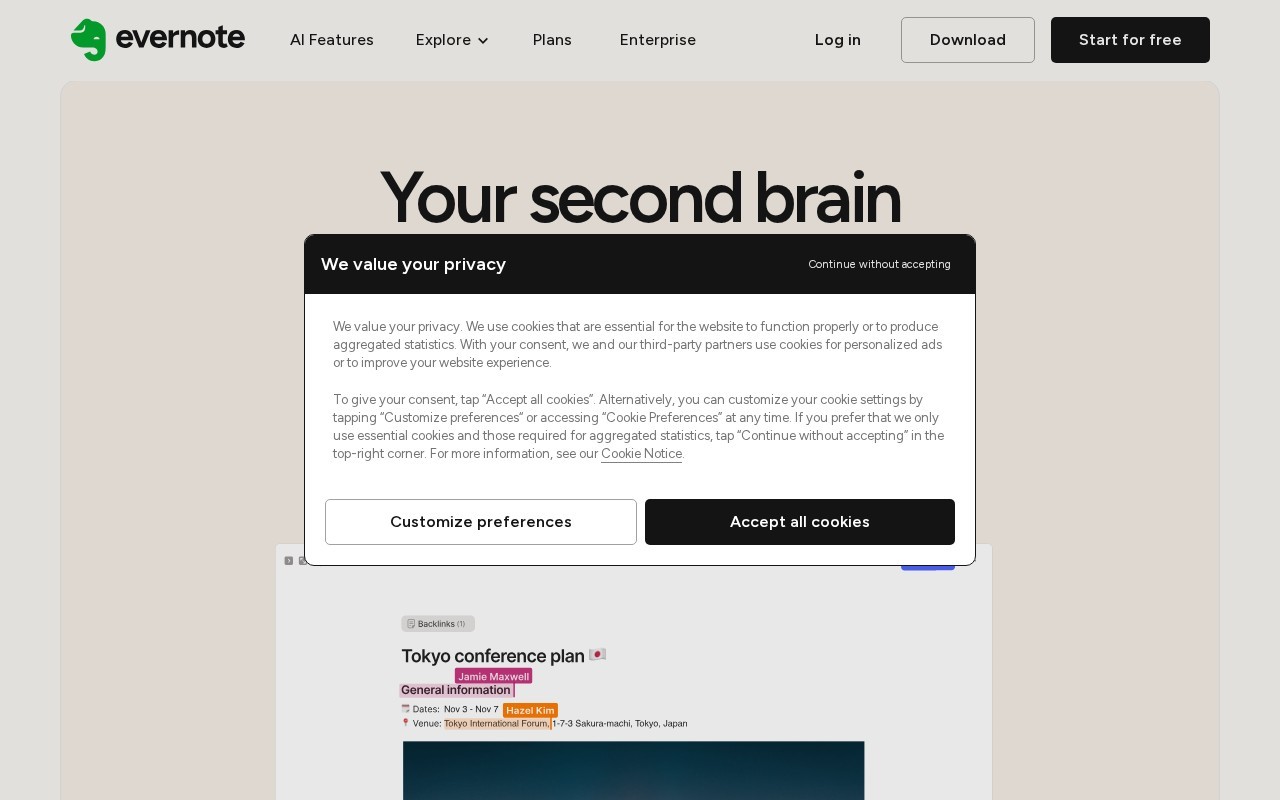
Your second brain
Evernote is a Productivity tool that is free to use. Your second brain
Evernote is a comprehensive note-taking and productivity platform that allows users to capture, organize, and access their ideas across multiple devices. It offers features like note templates, notebooks & spaces for organization, advanced search capabilities, task management, calendar integration, web clipping, real-time collaboration, and AI-powered tools for summarizing and transcribing content. Evernote provides cross-platform availability with apps for iOS, Android, Web, Windows, and Mac.
👍 Best for
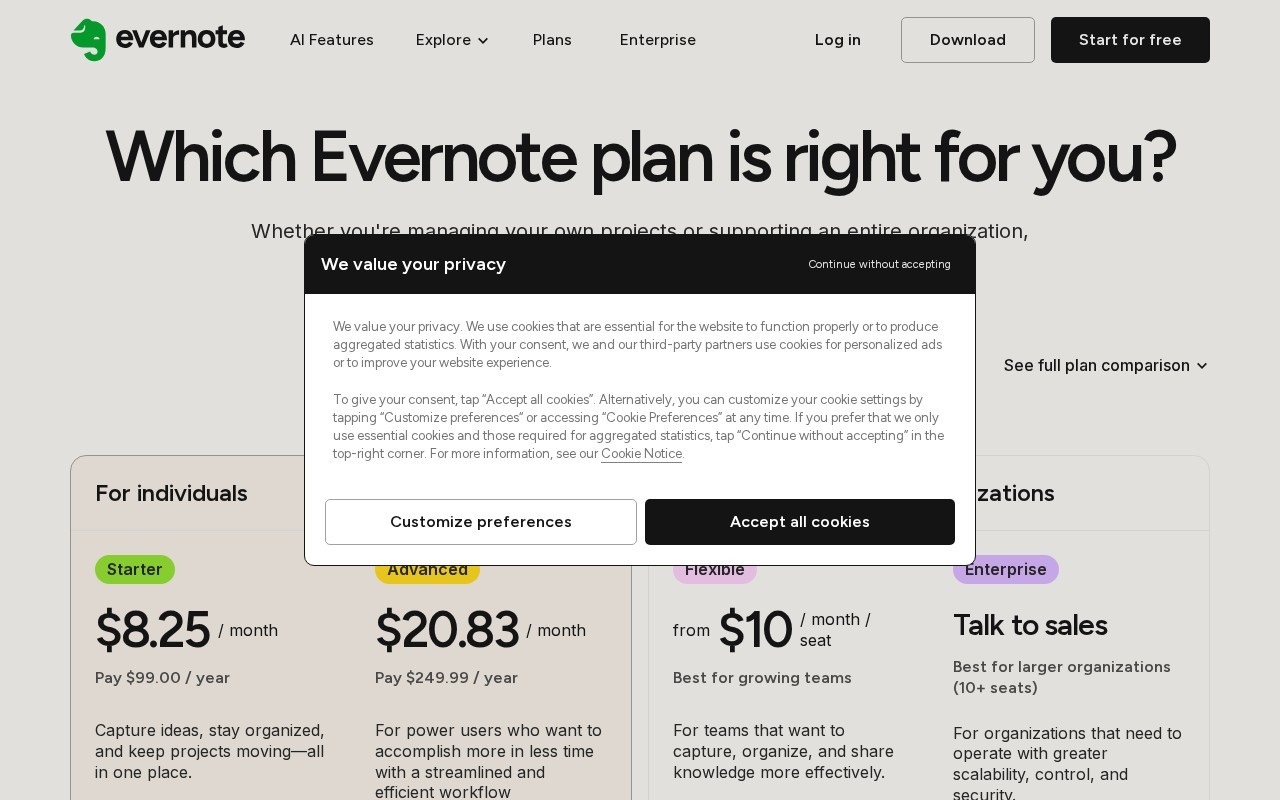
Pricing model: Freemium. No plan details yet.
The interface appears intuitive with clear organization features and cross-platform availability.
Confidence: 80%
Comprehensive feature set including AI tools, collaboration, and extensive integrations.
Confidence: 90%
Integrates with major platforms like Google, Microsoft, and Slack.
Confidence: 80%
Offers help center, community forum, and priority support for higher tiers.
Confidence: 70%
Offers a free tier but premium features require subscription; student discounts available.
Confidence: 70%
Evernote is a versatile note-taking and productivity platform with AI-powered features, available across devices with both free and paid plans.
Share your experience to help the community.
Sign in to reviewComprehensive Note-Taking with AI Enhancements
Evernote continues to be a leader in the note-taking space with its v11 update introducing powerful AI features. The platform excels at helping users capture and organize information across devices, with particularly strong capabilities in team collaboration and meeting note management. While the free plan offers basic functionality, the real value comes in the paid tiers which unlock the full potential of the AI tools and remove device limitations. The integration with popular services like Google Calendar and Slack makes it practical for professional use. Some may find the pricing steep compared to simpler alternatives, but for those needing a robust, all-in-one knowledge management solution, Evernote delivers.
No suggestions yet — contribute to improve this page.
No discussion yet — start the conversation.
すべての人と AI エージェントが高めあう
Simplify work and life with the #1 to-do list app.
Build and automate in seconds. No code required.
ONE PLATFORM FOR ANY USE CASE
Visit the Evernote website or download the app to create your free account and start using the basic features.
Open the app and click 'New Note'. You can start typing text, or use a provided template to structure your content.
Create notebooks or spaces to group related notes together, helping you keep your projects and ideas organized.
Install the Evernote Web Clipper browser extension to save articles, images, and web pages directly into your notes.
Use the built-in task management feature to create to-dos and set deadlines, integrating them with your notes.
Share a notebook or note with a teammate to work together in real-time on project plans or meeting summaries.
Yes, Evernote operates on a freemium model and offers a free plan.
Key features include AI-powered note assistance, semantic search, meeting transcription, cross-device sync, web clipping, task management, calendar integration, collaboration tools, note templates, and advanced search.
Yes, Evernote includes collaboration tools and is listed for use cases like team collaboration and meeting notes.
Evernote is available across platforms with apps for iOS, Android, Web, Windows, and Mac.
Common use cases include personal knowledge management, project planning, team collaboration, and organizing meeting notes and content.
Facts on this page are attributed to their source and verification status where available. Primary source: evernote.com.
Versioned field history and change tracking will appear here as the tool is enriched and updated (Phase 2+).