
すべての人と AI エージェントが高めあう
Free planAPISubscription
slack.com$525
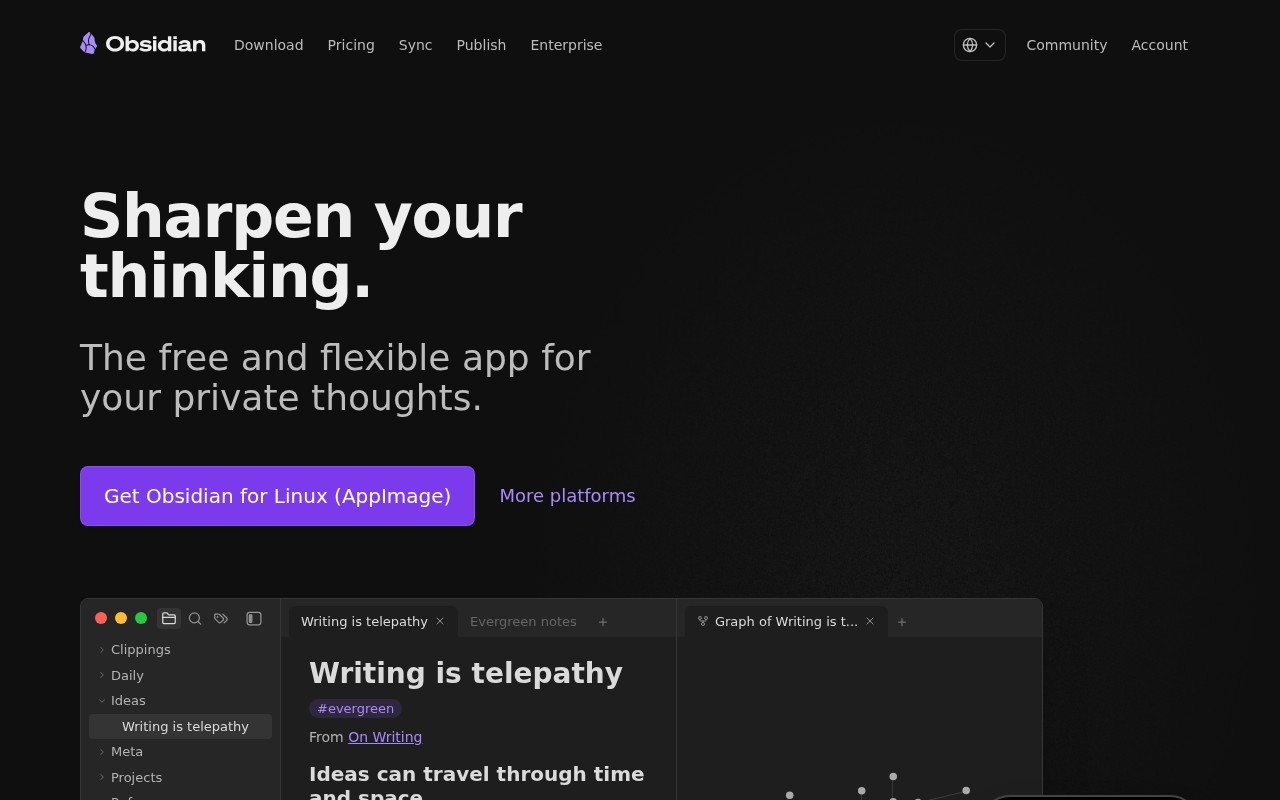
Sharpen your thinking.
Obsidian is a Productivity tool that starts at $4/mo. Sharpen your thinking.
Obsidian is a private and secure note-taking application that stores your notes locally as plain text Markdown files. It allows you to create links between notes, use tags to organize ideas, and build a personal wiki. The app offers features like a graph view to visualize connections between notes, a canvas for brainstorming, and extensive plugin support for customization. Obsidian emphasizes privacy, open file formats, and user control over data.
👍 Best for
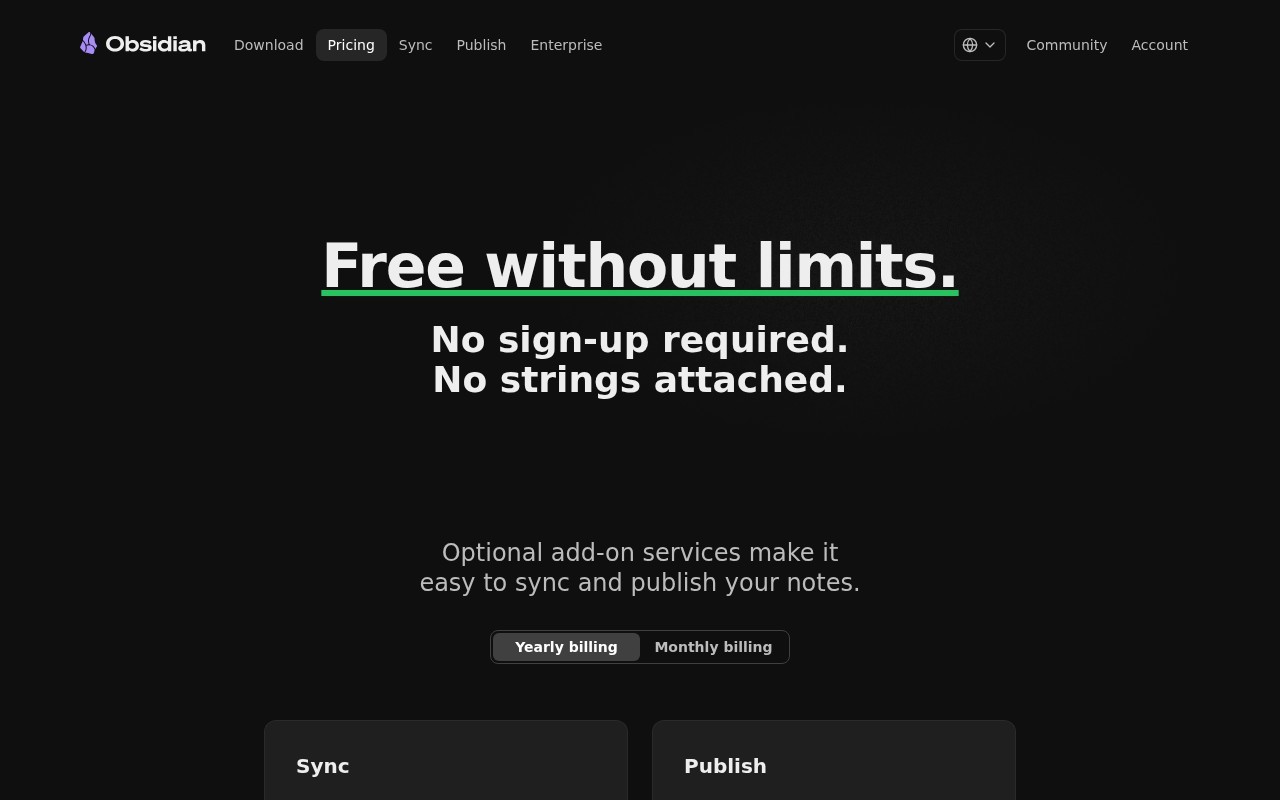
Pricing model: Freemium · from $4. No plan details yet.
Students and faculty members get 40% off Sync and Publish services
The interface appears clean and intuitive, though some advanced features require plugin installation.
Confidence: 80%
Extensive plugin ecosystem and customization options provide significant depth.
Confidence: 90%
Markdown format provides basic integration capabilities, but no specific third-party integrations are mentioned.
Confidence: 70%
Community support via Discord and forums is mentioned, but direct support quality is unclear.
Confidence: 70%
The free version offers substantial functionality, with reasonably priced optional add-ons.
Confidence: 90%
Obsidian is a privacy-focused, markdown-based note-taking app with powerful linking capabilities and extensive customization options through plugins.
Share your experience to help the community.
Sign in to reviewA Privacy-First Note-Taking Powerhouse
Obsidian stands out as a remarkably flexible and privacy-focused note-taking solution. The local-first approach with markdown files ensures long-term data accessibility, while the extensive plugin system allows for deep customization. The graph view is particularly innovative for visualizing connections between ideas. While the free version is impressively capable, the reasonably priced sync and publish add-ons add valuable cloud functionality when needed. This is an excellent choice for anyone who values data ownership and wants a future-proof note-taking system.
No suggestions yet — contribute to improve this page.
No discussion yet — start the conversation.
すべての人と AI エージェントが高めあう
Simplify work and life with the #1 to-do list app.
Build and automate in seconds. No code required.
ONE PLATFORM FOR ANY USE CASE
Visit the official Obsidian website and download the application for your operating system. Follow the installation instructions to set it up on your computer.
Open Obsidian and create a new 'vault', which is a folder on your computer where all your notes will be stored locally as Markdown files.
Create a new note and start writing. You can use simple Markdown syntax for formatting, like using hashtags for headings or brackets for links to other notes.
Start connecting your ideas by creating links between notes. Type double brackets [[Note Name]] to link to another note, building your personal knowledge network.
Open the graph view panel to see a visual map of all your notes and their connections. This helps you understand the relationships within your knowledge base.
Go to the settings and explore the community plugins section. You can find and install plugins to add new features and customize your Obsidian experience.
Yes, Obsidian offers a free plan for personal use. The core app for local note-taking is free, with optional paid plans for advanced features like sync and publishing.
Obsidian uses a freemium model. The core app is free. Paid plans for features like sync and collaboration start at 4 USD per month.
Obsidian stores your notes locally on your device as plain text Markdown files, giving you full control and privacy over your data.
The graph view is a feature that visually maps the links between your notes, helping you see how your ideas and knowledge are connected.
Yes, Obsidian has an extensive plugin ecosystem and supports customizable themes, allowing you to tailor the app to your specific workflow.
Facts on this page are attributed to their source and verification status where available. Primary source: obsidian.md.
Versioned field history and change tracking will appear here as the tool is enriched and updated (Phase 2+).