Optimize business processes with an end-to-end automation solution built for enterprise
Free planAPISubscription
microsoft.com$15

Your shortcut to everything.
Raycast is a Automation tool that starts at $10/mo. Your shortcut to everything.
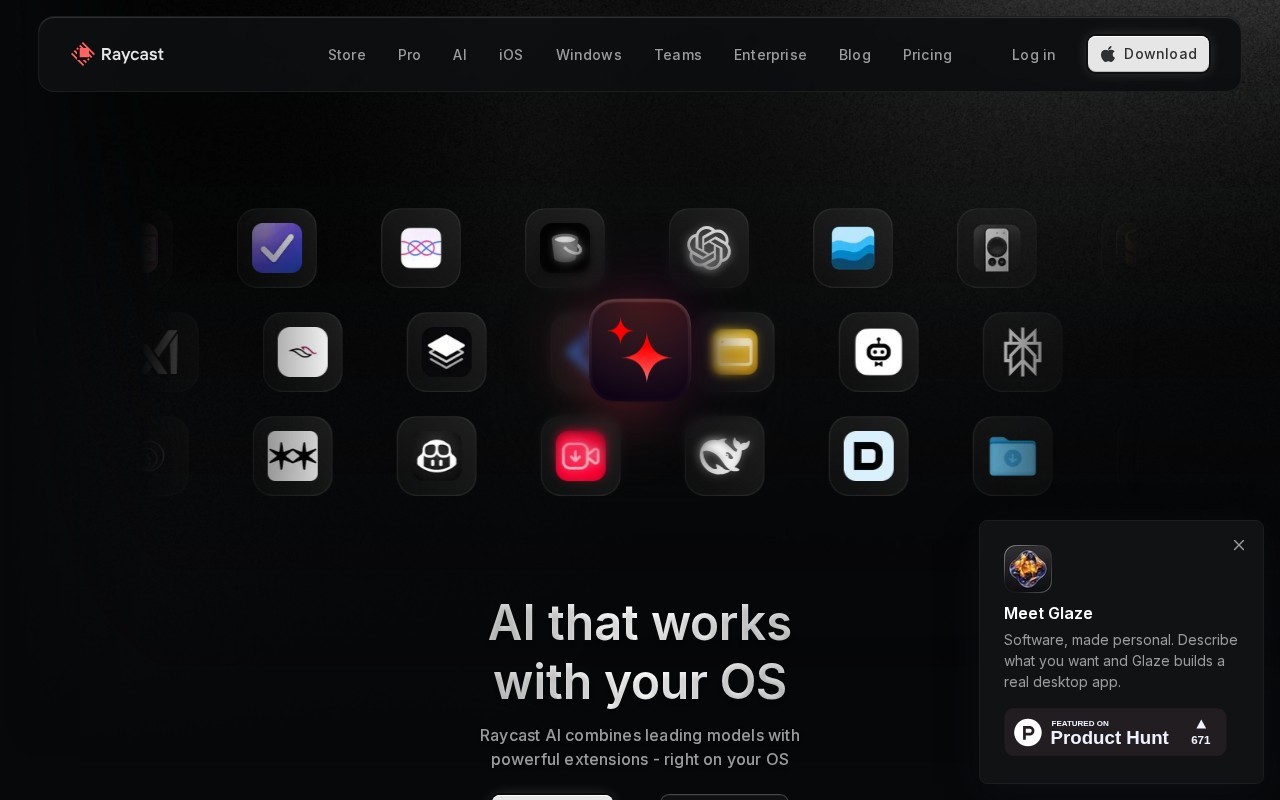
Raycast is a productivity tool that offers a collection of powerful features within an extendable launcher. It is designed to be fast, ergonomic, and reliable, with a 99.8% crash-free rate. Users can access a wide range of extensions to enhance productivity, including integrations with popular tools like Google Translate, Spotify, and Notion. Raycast also offers AI capabilities, allowing users to automate tasks and access AI-powered assistance directly from their OS.
👍 Best for
Raycast is designed to be fast and ergonomic, with a focus on keyboard-first interactions.
Confidence: 80%
Includes a wide range of extensions and AI capabilities, but some advanced features require a paid plan.
Confidence: 70%
Integrates with numerous popular tools and offers an API for custom extensions.
Confidence: 90%
Support quality is not explicitly detailed in the text, leading to a moderate confidence score.
Confidence: 50%
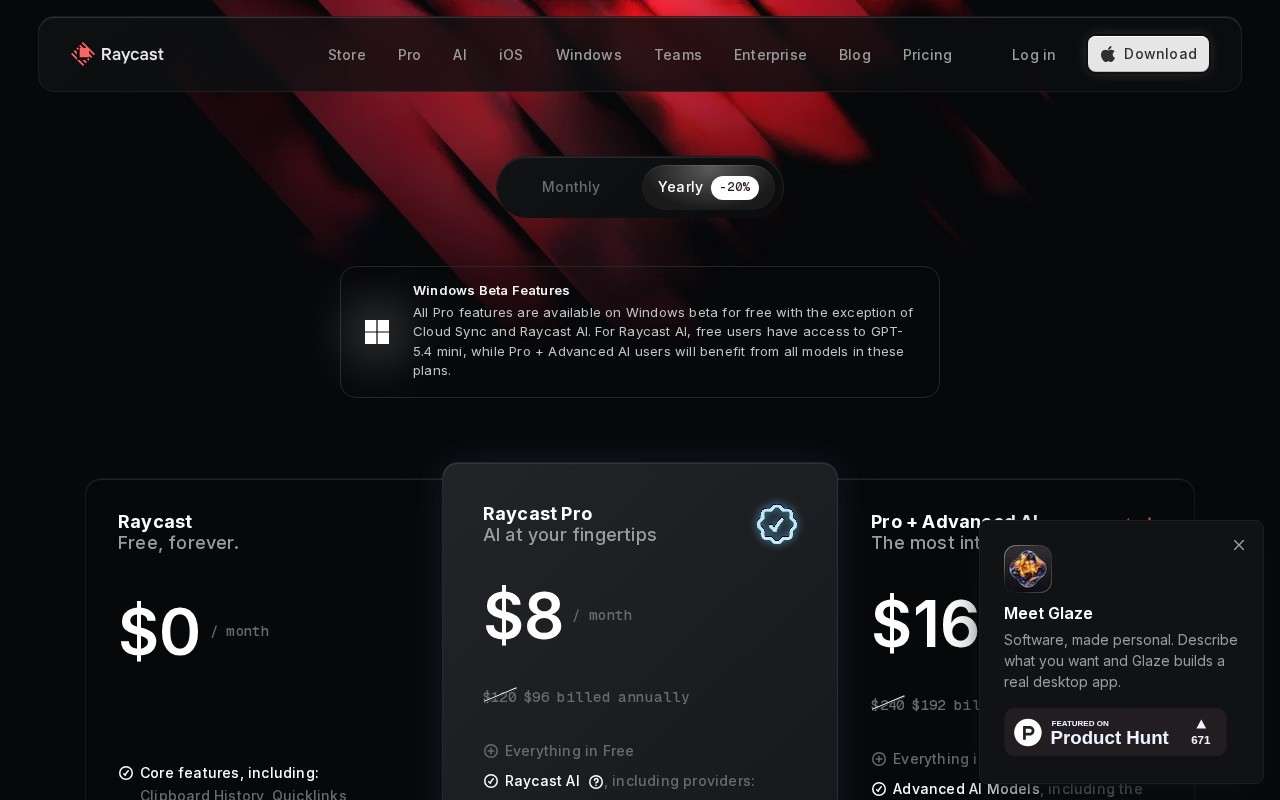
Offers a free plan with extensive features and a reasonably priced Pro plan.
Confidence: 90%
Raycast is a versatile productivity tool offering an extendable launcher with AI capabilities and integration with popular tools, suitable for both personal and organizational use.
Share your experience to help the community.
Sign in to reviewRaycast: A Comprehensive Productivity Tool
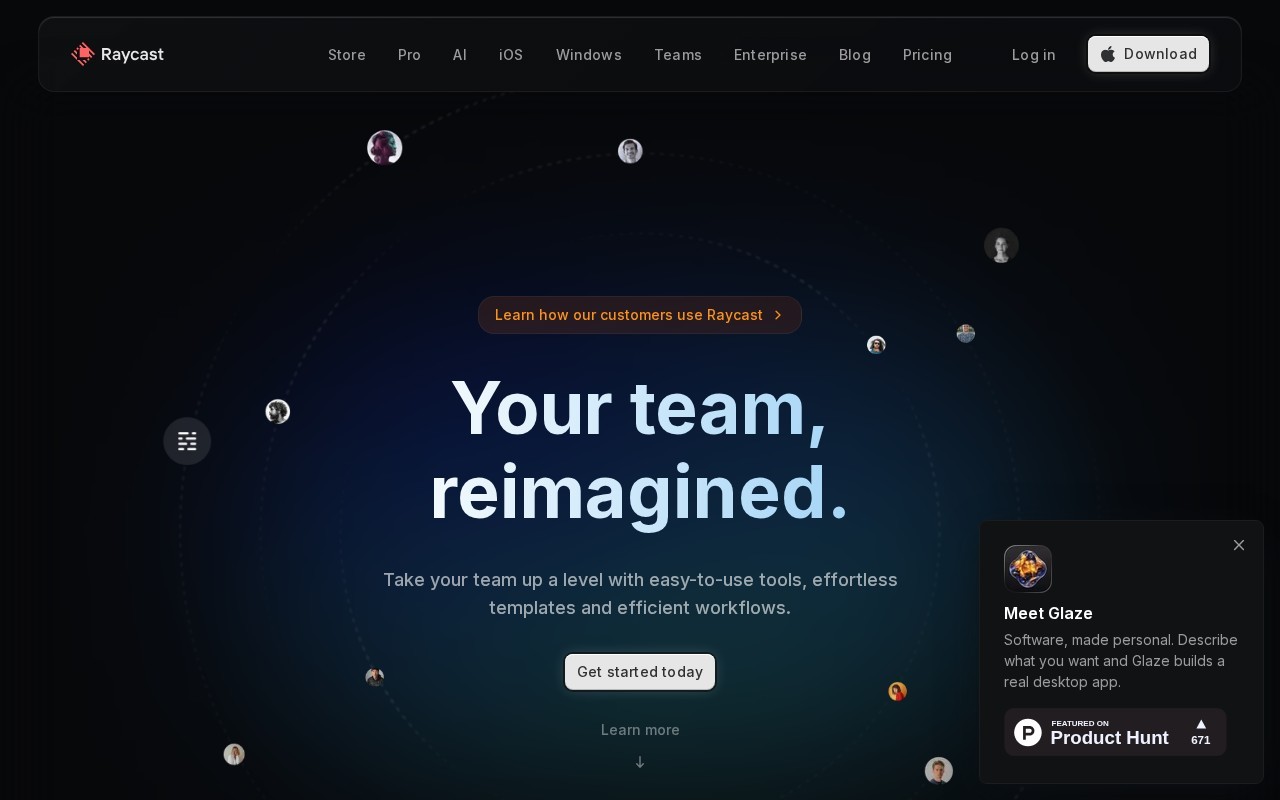
Raycast stands out as a comprehensive productivity tool that combines a powerful launcher with extensive integration capabilities. It offers a wide range of features, including AI-powered assistance and the ability to automate repetitive tasks. The tool is particularly beneficial for professionals and teams looking to enhance their productivity through custom extensions and shared resources. Raycast's free plan is generous, providing access to many core features, while the Pro plan offers additional AI capabilities at a reasonable price. The tool's integration with popular applications like Notion, Slack, and Google Translate makes it a versatile choice for various workflows. Overall, Raycast is a robust solution for those seeking to streamline their digital workspace.
No suggestions yet — contribute to improve this page.
No discussion yet — start the conversation.
Optimize business processes with an end-to-end automation solution built for enterprise
Enterprise orchestration for data and AI
Plug AI into your own data & over 500 integrations
Automate. Save time. Get more done.
Visit the official Raycast website to download and install the launcher application on your operating system.
Open Raycast and try basic commands like searching for files, opening apps, or performing calculations to get familiar with the interface.
Use the built-in store to find and install extensions for tools you use, such as Google Translate, Spotify, or Notion, to add new functionality.
Use the snippets or quicklinks feature to save and quickly access frequently used text or web links directly from the launcher.
If you have access to AI capabilities, explore the settings to enable AI-powered assistance for automating tasks or getting help.
Set up hotkeys and organize your installed extensions to create a personalized productivity workflow that suits your daily tasks.
Raycast offers a freemium model with a free plan available. Paid plans start at 10 USD per month.
Yes, Raycast offers a free plan as part of its freemium pricing model.
Raycast is an extendable launcher that helps automate tasks, manage projects, and enhance productivity using extensions and AI-powered assistance. It integrates with tools like Google Translate, Spotify, and Notion.
Yes, Raycast is designed to be fast and reliable, with a reported 99.8% crash-free rate.
Key features include an extendable launcher, AI-powered assistance, integration with popular tools, custom extensions, and shared snippets and quicklinks.
Facts on this page are attributed to their source and verification status where available. Primary source: raycast.com.
Versioned field history and change tracking will appear here as the tool is enriched and updated (Phase 2+).