Track, analyze, and improve your subscription business.
Unknown
baremetrics.com—
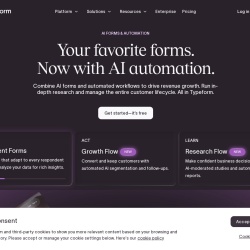
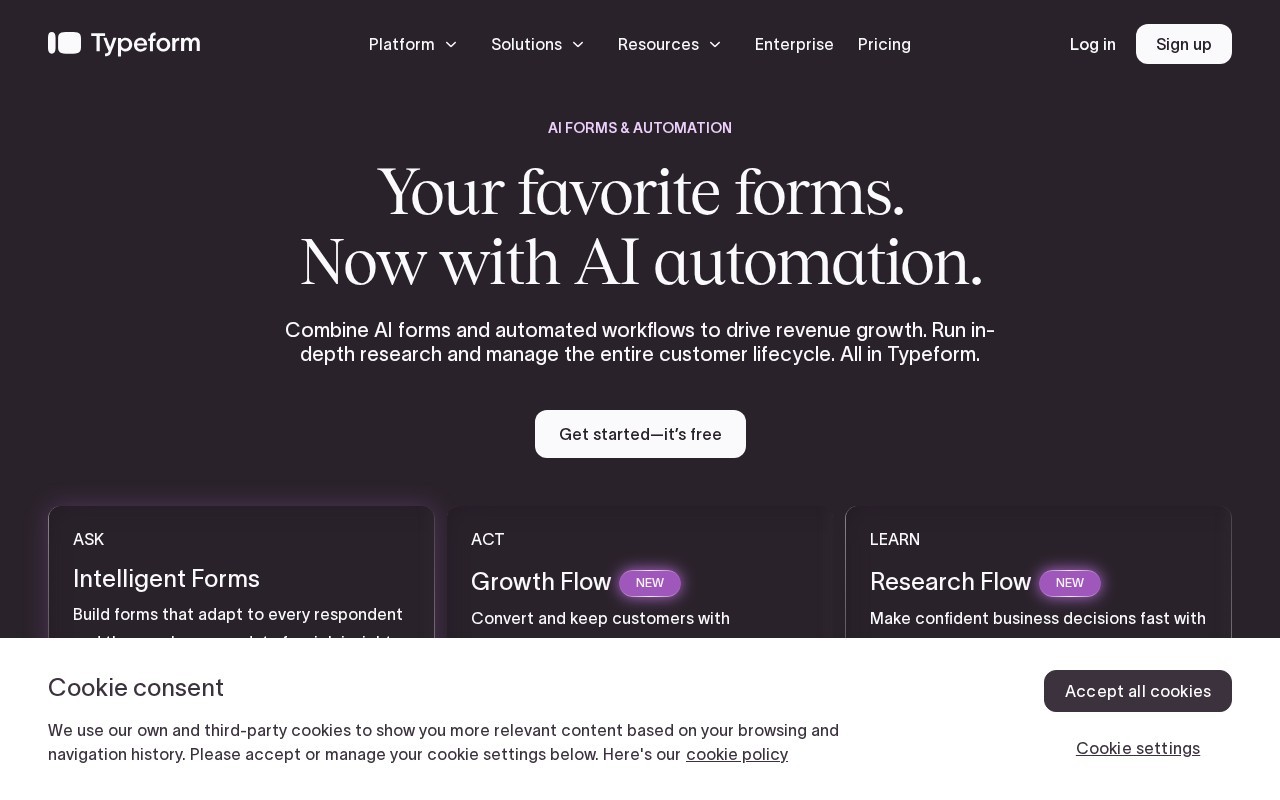
AI forms & automation
Typeform is a Analytics tool that starts at $39/mo. AI forms & automation
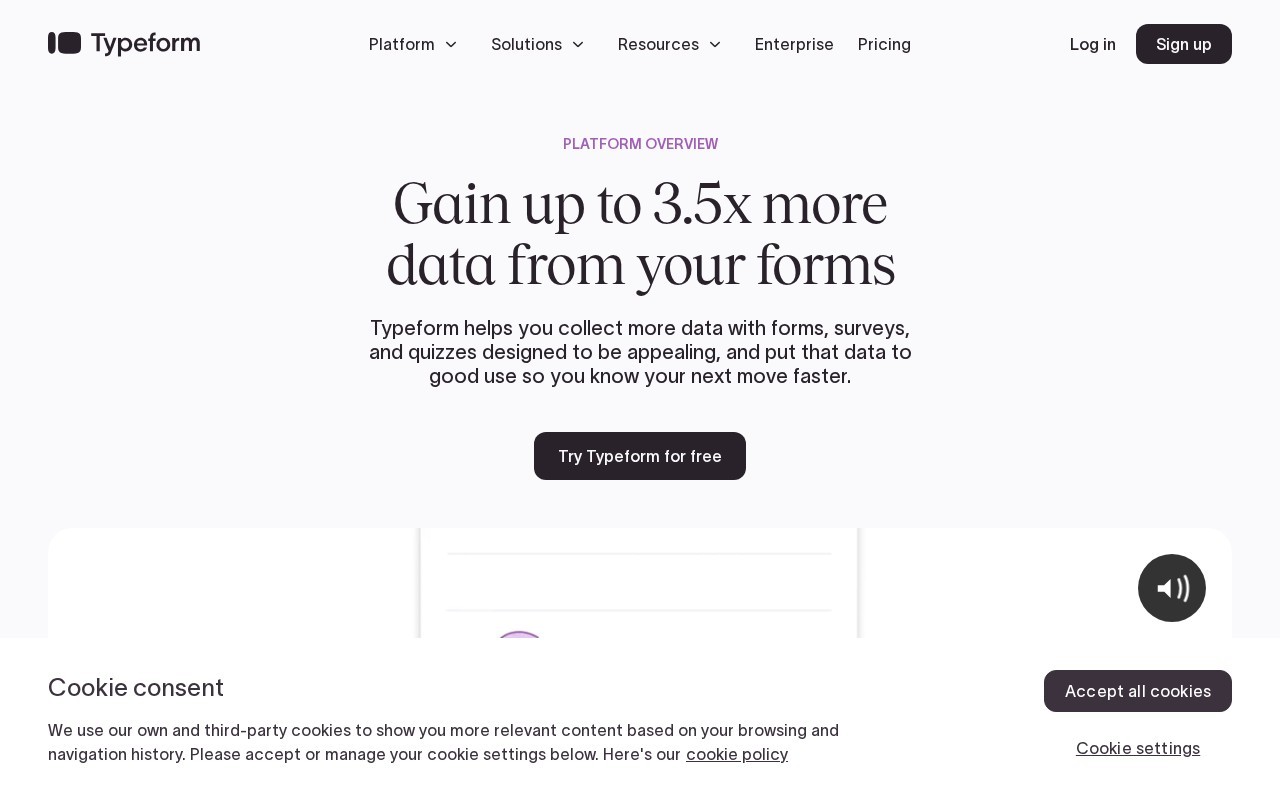
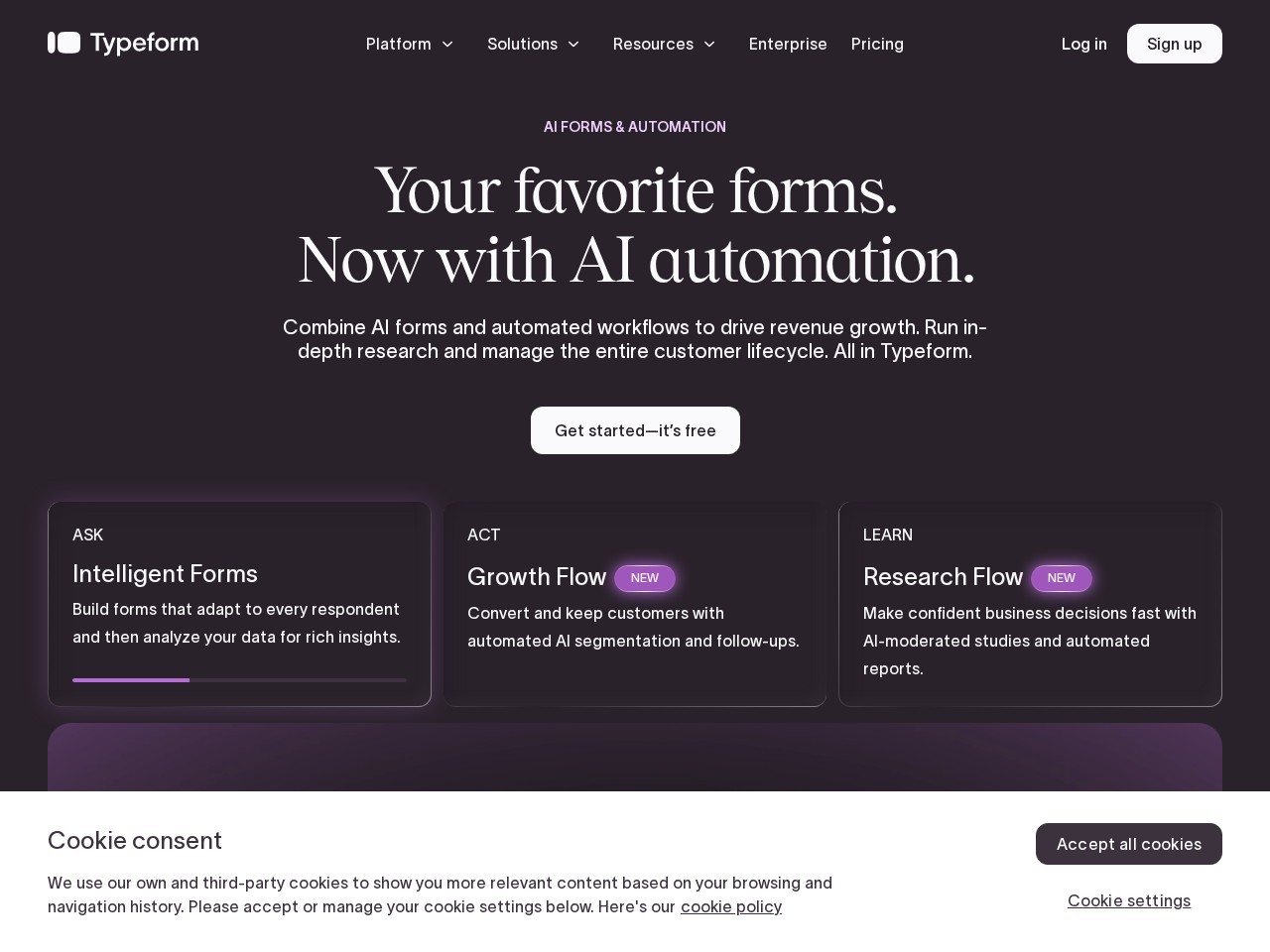
Typeform offers AI-powered forms and automation tools to drive revenue growth by enhancing data collection and customer engagement. It allows users to build adaptive forms, automate workflows, and analyze data for insights. The platform supports video and audio responses, integrates with over 300 apps, and provides tools for lead generation, research, and more.
👍 Best for
The platform offers a no-code builder and AI assistance, making it accessible for non-technical users.
Confidence: 80%
Includes advanced features like AI-powered analytics, video responses, and extensive integrations.
Confidence: 90%
Integrates with over 300 apps, including major platforms like Salesforce and Google Sheets.
Confidence: 90%
Provides priority support and live chat in higher-tier plans, but details on basic support are limited.
Confidence: 70%
Offers a free plan and various subscription options, but pricing may be high for small businesses.
Confidence: 70%
Typeform is a versatile platform for creating AI-powered forms and automating workflows, suitable for various business needs like lead generation and customer engagement.
Share your experience to help the community.
Sign in to reviewComprehensive AI-Powered Form Builder
Typeform stands out as a comprehensive platform for creating AI-powered forms and automating workflows. Its no-code builder and AI features make it accessible for non-technical users, while its extensive integrations with over 300 apps ensure it fits seamlessly into existing workflows. The platform is particularly strong in lead generation and customer engagement, offering tools like video responses and advanced analytics. While the pricing might be on the higher side for small businesses, the value provided through its features and capabilities justifies the cost for larger teams. Overall, Typeform is an excellent choice for businesses looking to enhance their data collection and customer interaction strategies.
No suggestions yet — contribute to improve this page.
No discussion yet — start the conversation.
Track, analyze, and improve your subscription business.
The next evolution of Hotjar
Learn what your users actually do.
A Google Analytics alternative that’s simple & privacy-first
Visit the Typeform website and sign up for a free account to start exploring the platform's features without any initial cost.
Use the intuitive form builder or the AI-powered creation tool to design your first interactive form, survey, or quiz.
Customize the look of your form with your own branding, colors, and logo to match your company's visual identity.
Enable video or audio response options within your form if you want to collect richer, multimedia feedback from your audience.
Connect your Typeform to other tools you use, such as a CRM or email marketing platform, from the extensive library of over 300 integrations.
Publish your form and share the link with your audience, then use the analytics dashboard to view and analyze the incoming responses and data.
Yes, Typeform offers a free plan. This allows users to explore the platform's core features for building forms and collecting responses.
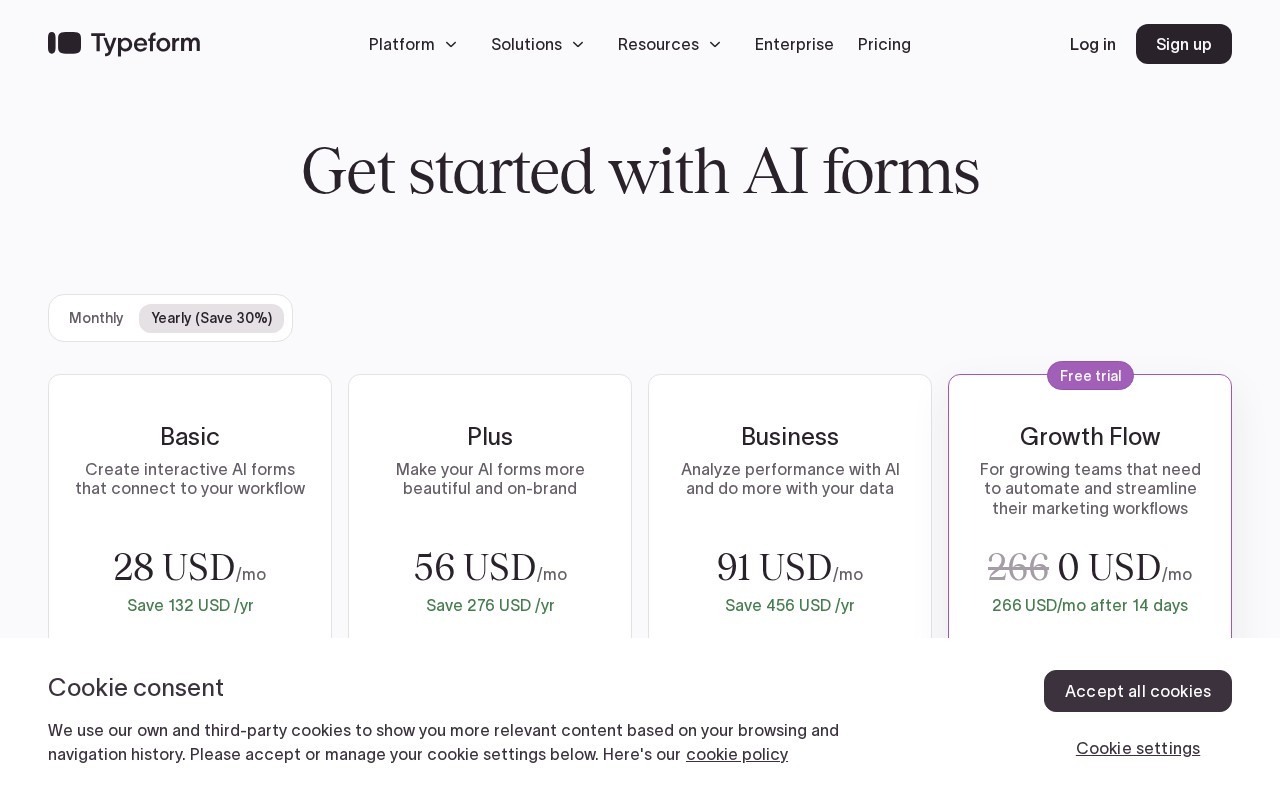
Typeform's paid subscription plans start at $39 per month. The platform offers a range of plans to suit different needs, including a free tier.
Typeform integrates with over 300 popular applications, including CRM, marketing, and productivity tools, allowing you to connect your form data to your existing workflow.
Yes, Typeform is designed to be user-friendly with an intuitive interface for creating forms. It also offers AI-powered creation tools to help users build forms quickly, making it accessible for beginners.
Typeform's key features include AI-powered form creation, automated workflows, support for video and audio responses, advanced analytics, and integration with over 300 apps.
Facts on this page are attributed to their source and verification status where available. Primary source: typeform.com.
Versioned field history and change tracking will appear here as the tool is enriched and updated (Phase 2+).