

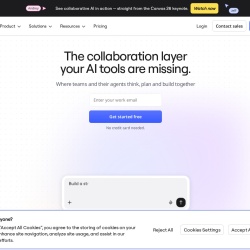
The collaboration layer your AI tools are missing
Unknown
invisionapp.com—

Pricing model: Unknown. No plan details yet.
No AI evaluation yet. Scores will appear after more data is enriched.
Share your experience to help the community.
Sign in to reviewNo reviews yet — be the first to share your experience.
No suggestions yet — contribute to improve this page.
No discussion yet — start the conversation.
The collaboration layer your AI tools are missing
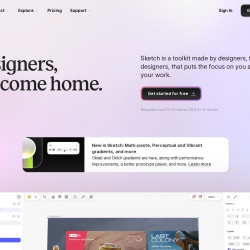
Designers, welcome home.
Wireframe, Diagram & Whiteboard Online
Open-source design platform for scalable collaboration
Visit the Adobe website and sign up for a Creative Cloud account, which is typically required to download and use Adobe XD.
From your Creative Cloud dashboard, find Adobe XD and download the application. Follow the installation instructions for your operating system.
Open Adobe XD and start a new document. Choose an artboard preset for your target device, such as an iPhone screen or a web browser window.
Use the design tools to create wireframes or high-fidelity UI screens. Add shapes, text, and import assets to build out your visual design.
Switch to Prototype mode. Click on an element, drag the connector arrow to another artboard, and choose a transition to create an interactive flow.
Use the Share feature to generate a link to your interactive prototype. Send this link to stakeholders or developers for review and comments.
Adobe XD's pricing model is not specified here. It's best to check Adobe's official website for current subscription plans and pricing details.
The provided facts do not specify if Adobe XD has a free plan. You should visit Adobe's website to see if a free trial or free tier is available.
Adobe XD is a professional UI/UX design and prototyping tool. While it is designed to be efficient, beginners may find it accessible, especially those familiar with other Adobe Creative Cloud applications.
Common alternatives to Adobe XD for UI/UX design and prototyping include Figma, Sketch, and InVision. The best choice depends on your specific workflow, collaboration needs, and budget.
Facts on this page are attributed to their source and verification status where available. Primary source: adobe.com.
Versioned field history and change tracking will appear here as the tool is enriched and updated (Phase 2+).