
Wireframe, Diagram & Whiteboard Online
Unknown
moqups.com—
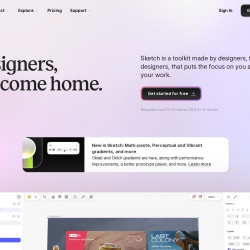
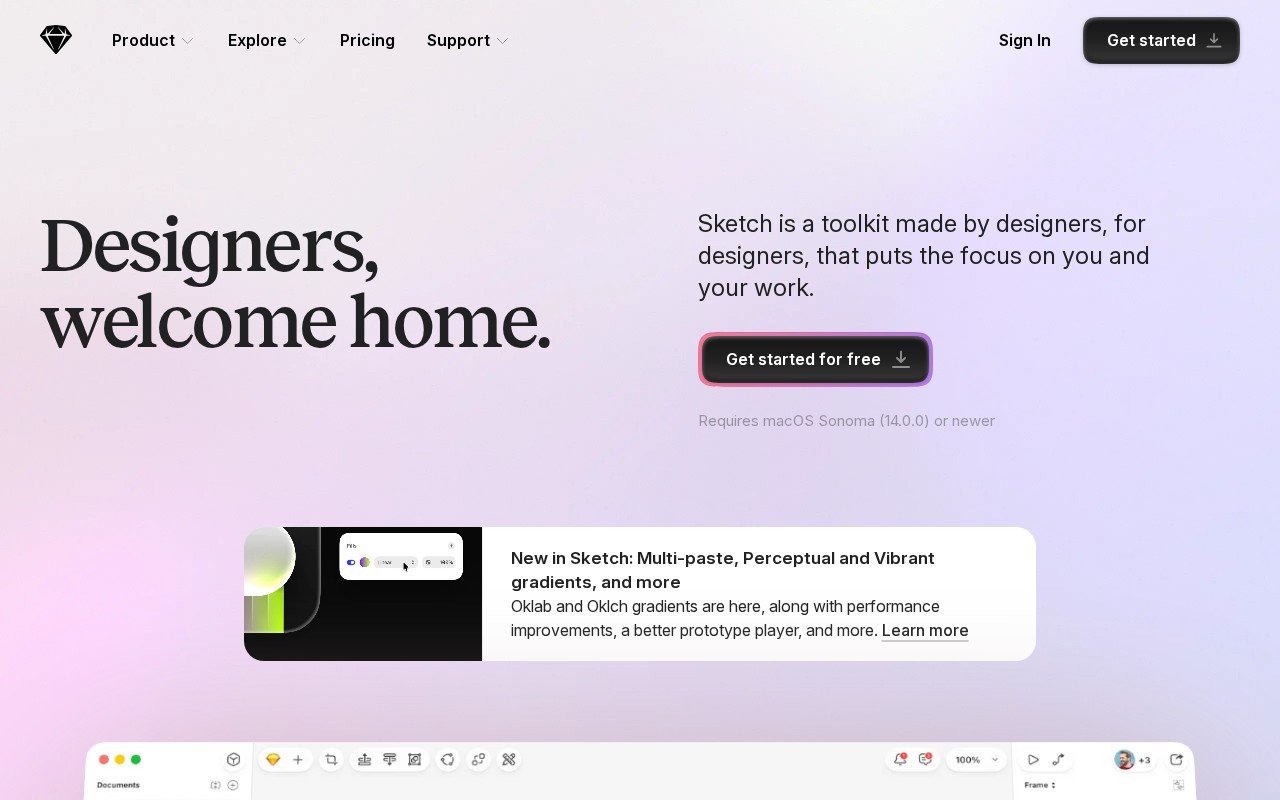
Designers, welcome home.
Sketch is a Design tool that starts at $120/mo. Designers, welcome home.
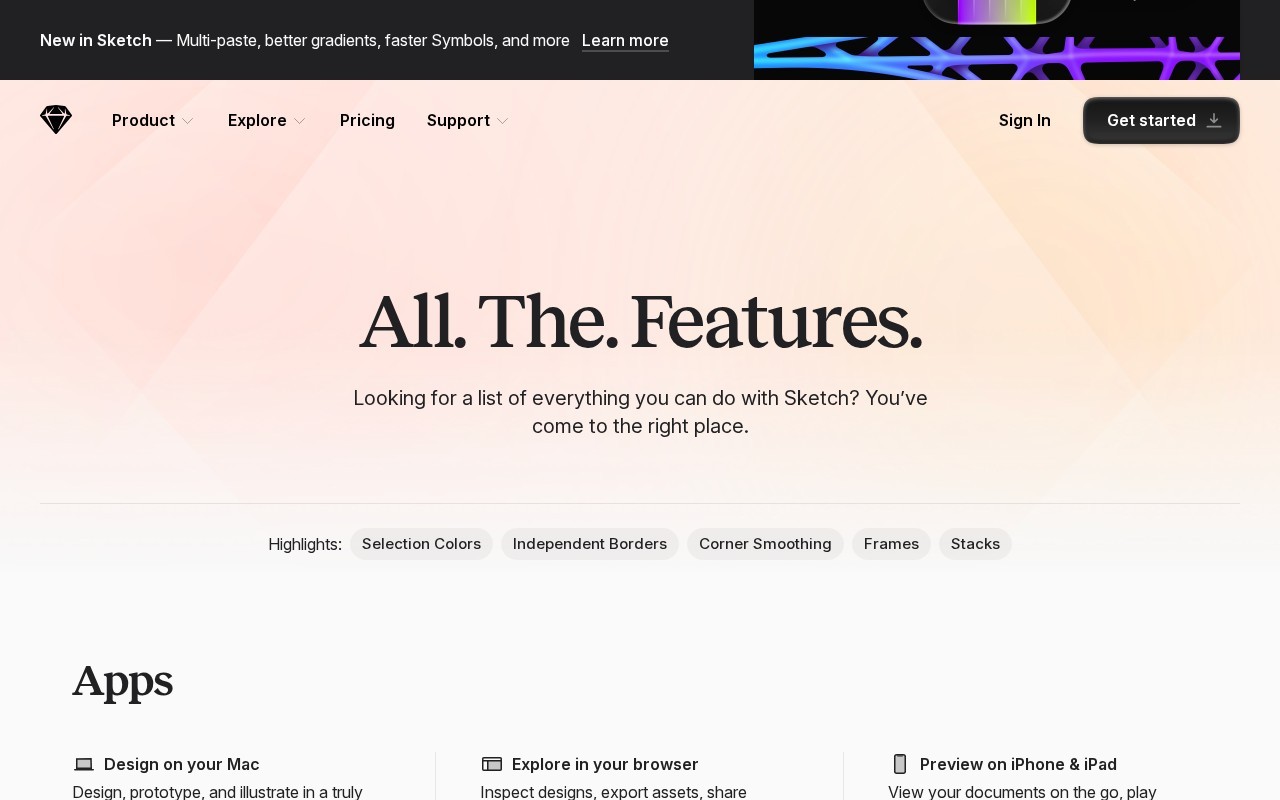
Sketch is a design toolkit for macOS, offering features like vector editing, prototyping, and real-time collaboration. It supports offline work, provides a native Mac app, and includes tools for creating icons, apps, and more. Sketch offers a 30-day free trial and various subscription options.
👍 Best for
Pricing model: Subscription · from $120. No plan details yet.
The tool is described as easy and intuitive, with features like a native Mac app and offline work.
Confidence: 80%
Sketch offers a wide range of features including vector editing, prototyping, and collaboration.
Confidence: 90%
Integration details are not specified, lowering confidence in this area.
Confidence: 50%
Support details are not explicitly mentioned, but the tool is well-regarded by users.
Confidence: 60%
The starting price is $120 per seat, which includes updates, suggesting a fair pricing model.
Confidence: 70%
Sketch is a macOS design toolkit with vector editing, prototyping, and collaboration features.
Share your experience to help the community.
Sign in to reviewA Comprehensive Design Toolkit for macOS
Sketch is a robust design toolkit tailored for macOS users, offering a comprehensive suite of features for designers. Its strengths lie in vector editing, prototyping, and real-time collaboration, making it ideal for teams and individual designers alike. The tool supports offline work, which is a significant advantage for those who need to design without internet access. Sketch's pricing model is straightforward, with a starting price of $120 per seat, which includes one year of updates. While it doesn't offer a free plan, the 30-day free trial allows users to explore its capabilities before committing. Overall, Sketch stands out for its ease of use and feature depth, making it a top choice for designers seeking a powerful and flexible design solution.
No suggestions yet — contribute to improve this page.
No discussion yet — start the conversation.
Wireframe, Diagram & Whiteboard Online
Open-source design platform for scalable collaboration
The collaboration layer your AI tools are missing
UI/UX design and prototyping for digital products.
Visit the Sketch website and sign up to start your 30-day free trial.
Download and install the native Mac application from the Sketch website.
Familiarize yourself with the interface and core vector editing tools to start creating shapes and designs.
Use the prototyping features to link artboards and create interactive flows for your app or website designs.
Invite team members to a project to collaborate in real-time on designs and share feedback.
Save your work locally to continue designing without an internet connection.
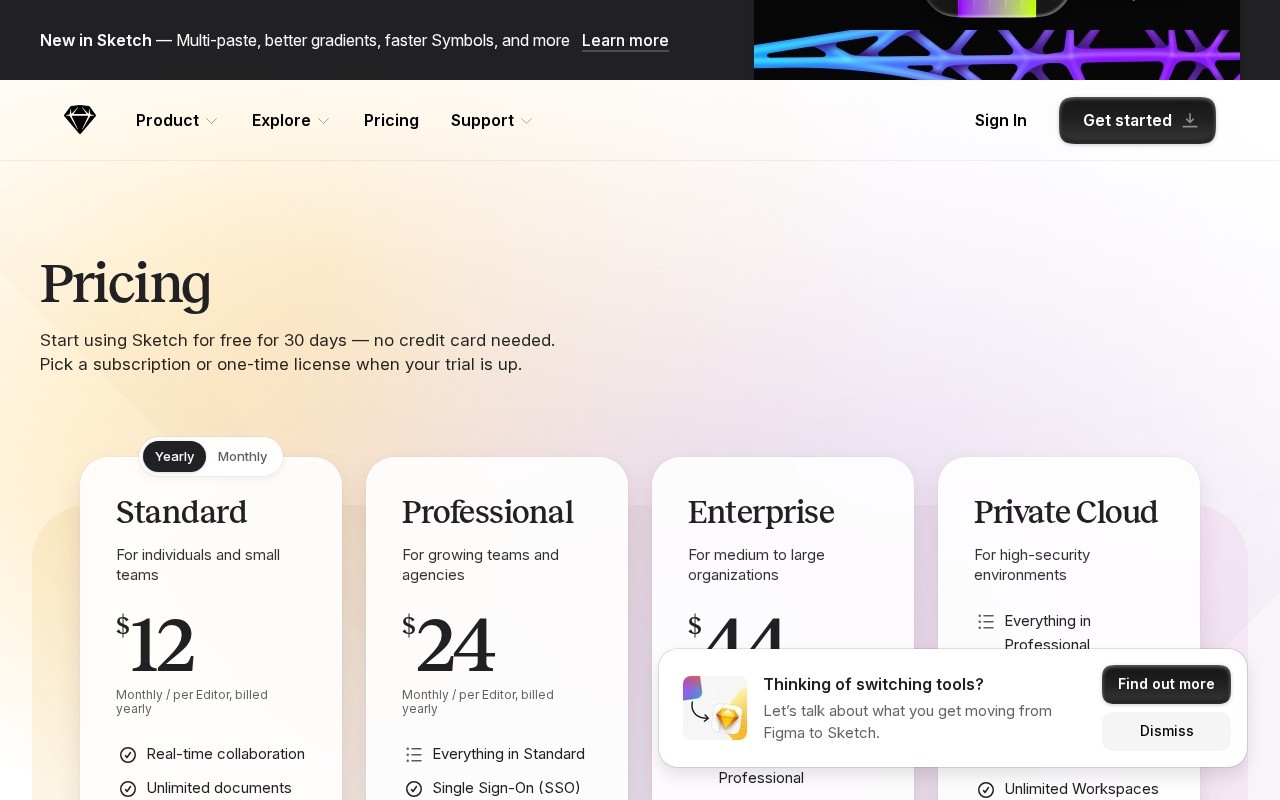
Sketch offers a 30-day free trial. After the trial, it operates on a subscription model starting at $120 per month. There is no permanent free plan.
Sketch is a native macOS application, meaning it is designed specifically for Mac computers and does not have a version for Windows or Linux.
Yes, Sketch is a vector-based design toolkit well-suited for creating app prototypes, designing icons, and other digital design work.
Yes, Sketch includes real-time collaboration features, allowing multiple designers to work together on the same project simultaneously.
Yes, Sketch supports offline work, so you can continue designing without an internet connection.
Facts on this page are attributed to their source and verification status where available. Primary source: sketch.com.
Versioned field history and change tracking will appear here as the tool is enriched and updated (Phase 2+).