The collaboration layer your AI tools are missing
Unknown
invisionapp.com—
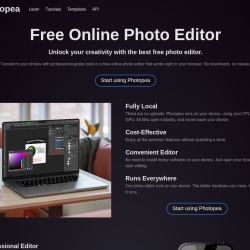
Free Online Photo Editor
Photopea is a Design tool. Free Online Photo Editor
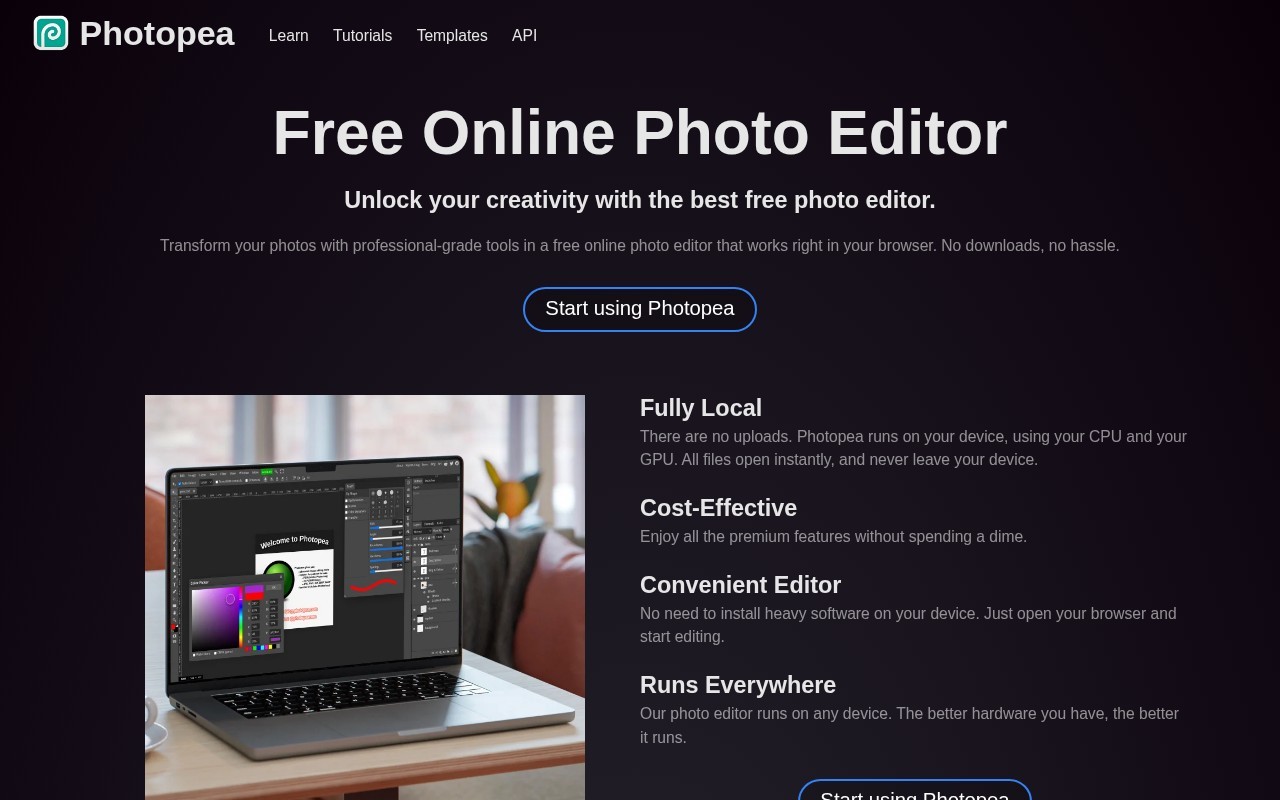
Photopea is a free online photo editor that offers professional-grade tools for transforming photos directly in your browser without any downloads. It supports a wide range of file formats including PSD, PNG, JPG, GIF, BMP, WEBP, SVG, PDF, AI, and more. The editor includes features like layering, masking, blending, vector graphics editing, and AI-powered tools for background removal and content replacement. It runs locally on your device, ensuring fast performance and privacy.
👍 Best for
Pricing model: Unknown. No plan details yet.
The tool is browser-based with no installation required, making it highly accessible.
Confidence: 90%
Offers a wide range of professional-grade editing tools and supports numerous file formats.
Confidence: 90%
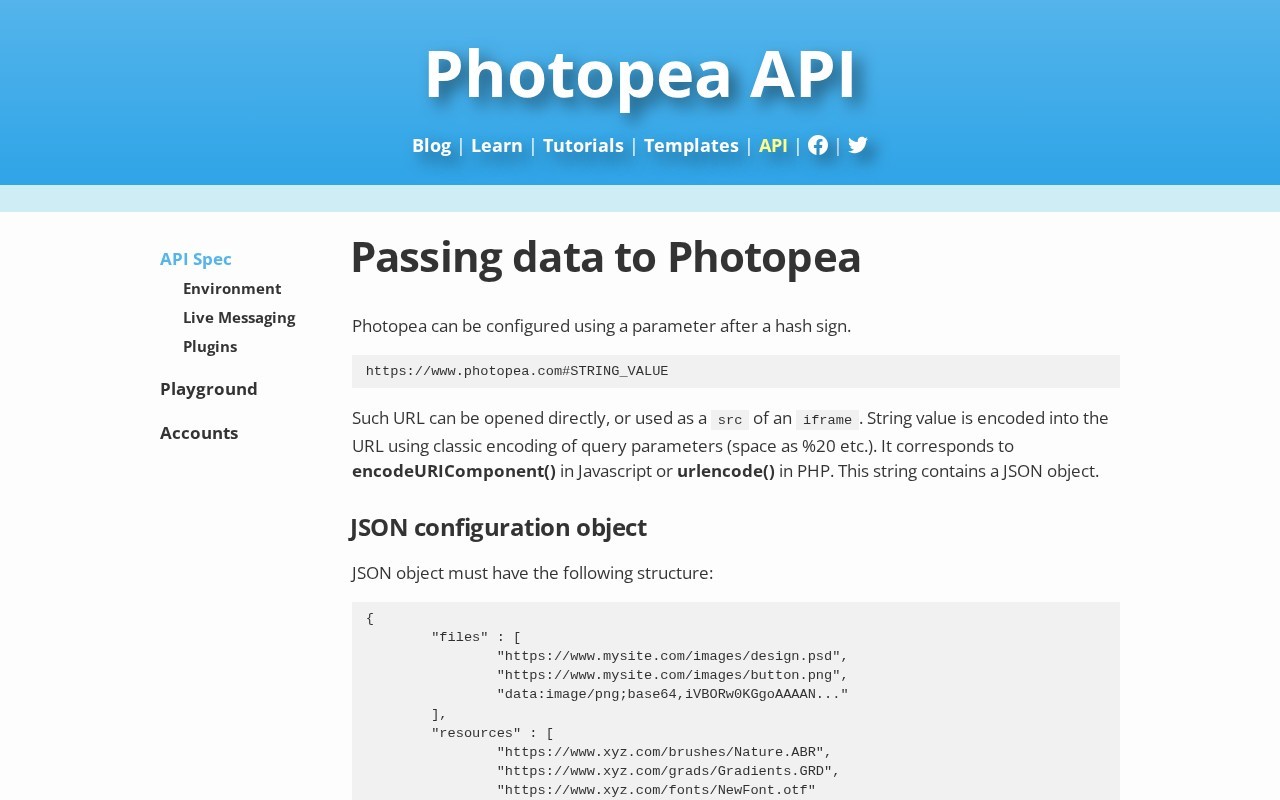
Supports a wide range of file formats and has an API for potential integrations.
Confidence: 80%
Support is available via email, but no live chat or phone support is mentioned.
Confidence: 70%
The tool is completely free with no hidden costs.
Confidence: 100%
Photopea is a free, browser-based photo editor with professional-grade tools, supporting a wide range of file formats and advanced features like AI-powered editing and vector graphics.
Share your experience to help the community.
Sign in to reviewA Powerful Free Alternative to Premium Photo Editors
Photopea stands out as a remarkably capable free online photo editor that rivals premium software in terms of features and performance. Its support for PSD files and a vast array of other formats makes it a versatile tool for both casual users and professionals. The inclusion of AI-powered tools like one-click background removal and advanced editing features such as layering and vector graphics editing ensures it meets a wide range of needs. The fact that it runs entirely in the browser without requiring downloads is a significant advantage, offering convenience and accessibility. For anyone looking for a cost-effective yet powerful photo editing solution, Photopea is an excellent choice.
No suggestions yet — contribute to improve this page.
No discussion yet — start the conversation.
The collaboration layer your AI tools are missing
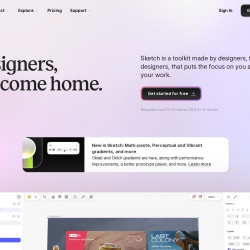
Designers, welcome home.
Wireframe, Diagram & Whiteboard Online
Open-source design platform for scalable collaboration
Open your web browser and navigate to the Photopea website. No account creation or download is required to start.
Click 'Open' from the main screen to load an image from your computer. Photopea supports many formats like PSD, JPG, PNG, and PDF.
Use the toolbar and panels on the interface to access tools for cropping, adjusting colors, adding text, or using layers and masks.
Try out features like the AI-powered background removal tool or vector shape tools to enhance your project.
When finished, go to the File menu and select 'Export As' to save your edited photo in your desired format, such as PNG or JPG.
Photopea is completely free to use. It is a free online photo editor that runs in your browser with no downloads or subscription fees required.
Yes, Photopea is a web-based tool that works directly in your browser. You do not need to download or install any software to use it.
Photopea supports a wide range of file formats, including PSD, PNG, JPG, GIF, BMP, WEBP, SVG, PDF, and AI files, making it highly compatible with files from other design software.
Photopea offers professional-grade tools like layers, masks, blending modes, vector graphics editing, and AI-powered features for tasks like background removal, making it suitable for many graphic design needs.
Photopea runs locally on your device, which means your files and edits are processed on your computer and not uploaded to a server, ensuring your privacy.
Facts on this page are attributed to their source and verification status where available. Primary source: photopea.com.
Versioned field history and change tracking will appear here as the tool is enriched and updated (Phase 2+).