The collaboration layer your AI tools are missing
Unknown
invisionapp.com—
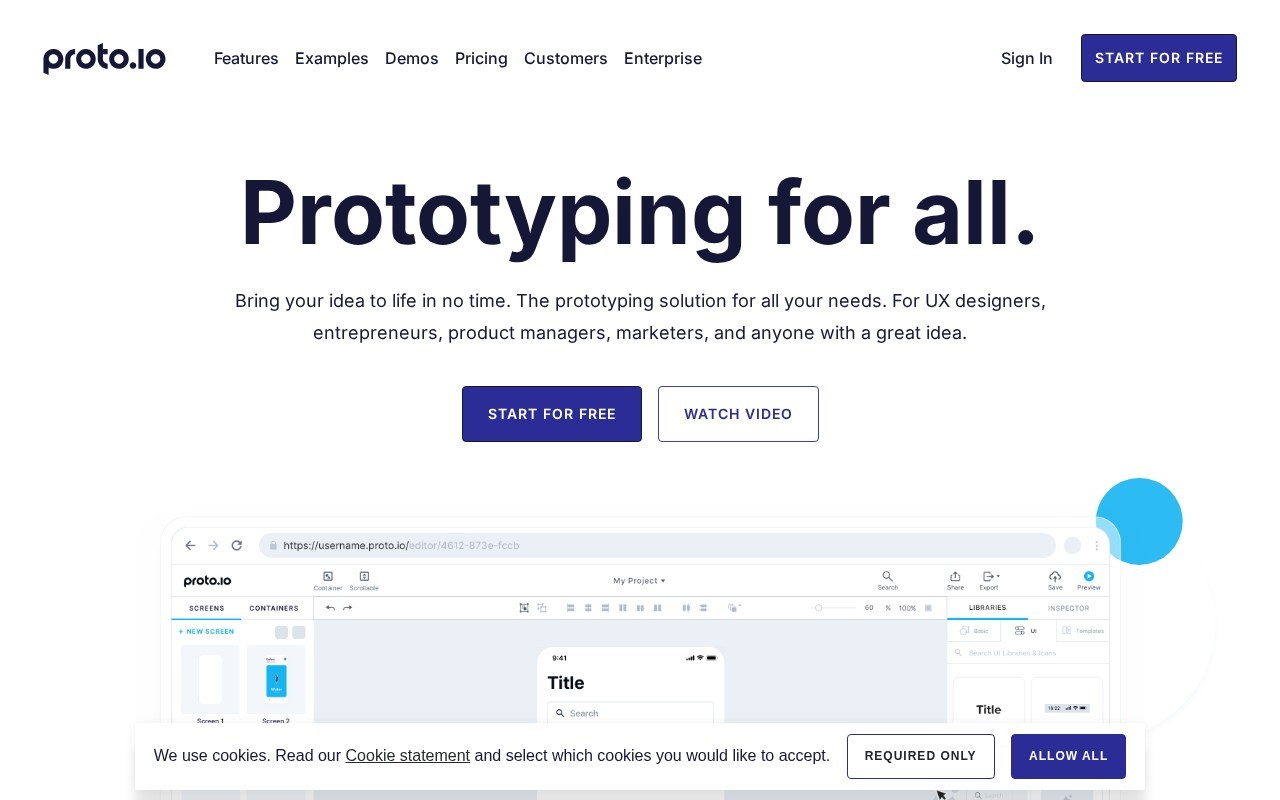
Prototyping for all.
Proto.io is a Design tool. Prototyping for all.
Proto.io is a comprehensive prototyping tool designed for UX designers, entrepreneurs, product managers, and marketers. It offers a 100% web-based, no-code solution with an intuitive drag-and-drop interface. The platform includes over 250+ UI components, 1000+ templates, and 6000+ digital assets, supporting various device types and orientations. Users can add interactivity with over 80 events and 40 actions, and enhance prototypes with animations, transitions, and multimedia elements like audio, video, and Lottie animations. Proto.io also supports integration with design tools like Sketch, Figma, Adobe XD, and Photoshop, and offers features like version control, reusable components, and custom fonts. The tool is suitable for creating high-fidelity prototypes that mimic real applications, with options for sharing, feedback, and user testing.
👍 Best for
Pricing model: Unknown. No plan details yet.
The drag-and-drop interface and no-code requirement make it highly accessible.
Confidence: 90%
Extensive libraries, templates, and integration options provide deep functionality.
Confidence: 90%
Supports integration with major design tools like Sketch, Figma, and Adobe XD.
Confidence: 90%
Offers real-time chat support and extensive documentation.
Confidence: 70%
Offers a free plan and competitive pricing for paid plans with extensive features.
Confidence: 80%
Proto.io is a versatile, no-code prototyping tool ideal for creating interactive and high-fidelity prototypes quickly, with extensive libraries and integrations.
Share your experience to help the community.
Sign in to reviewA Robust Prototyping Tool for Designers and Teams
Proto.io stands out as a comprehensive prototyping tool that caters to a wide range of users, from UX designers to marketers. Its drag-and-drop interface and extensive library of UI components and templates make it easy to create high-fidelity prototypes without any coding knowledge. The ability to integrate with popular design tools like Sketch and Figma adds to its versatility. While the free plan is somewhat limited, the paid plans offer excellent value with features like unlimited reviewers and extensive asset libraries. The 15-day free trial is a great way to explore its capabilities before committing.
No suggestions yet — contribute to improve this page.
No discussion yet — start the conversation.
The collaboration layer your AI tools are missing
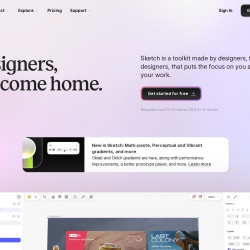
Designers, welcome home.
Wireframe, Diagram & Whiteboard Online
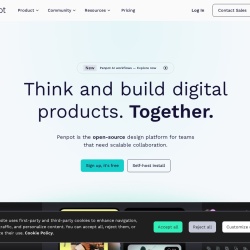
Open-source design platform for scalable collaboration
Visit the Proto.io website and create a new account to access the web-based prototyping platform.
Choose a starting point from the library of over 1000 templates or begin with a blank canvas for your project.
Use the drag-and-drop interface to add UI components from the library of 250+ elements to your prototype screen.
Define interactions by linking screens using the available events and actions to create a clickable, interactive flow.
Enhance your prototype by applying animations, transitions, and adding multimedia elements like video or Lottie animations.
Share your interactive prototype with stakeholders or clients via a link to gather feedback or conduct user testing.
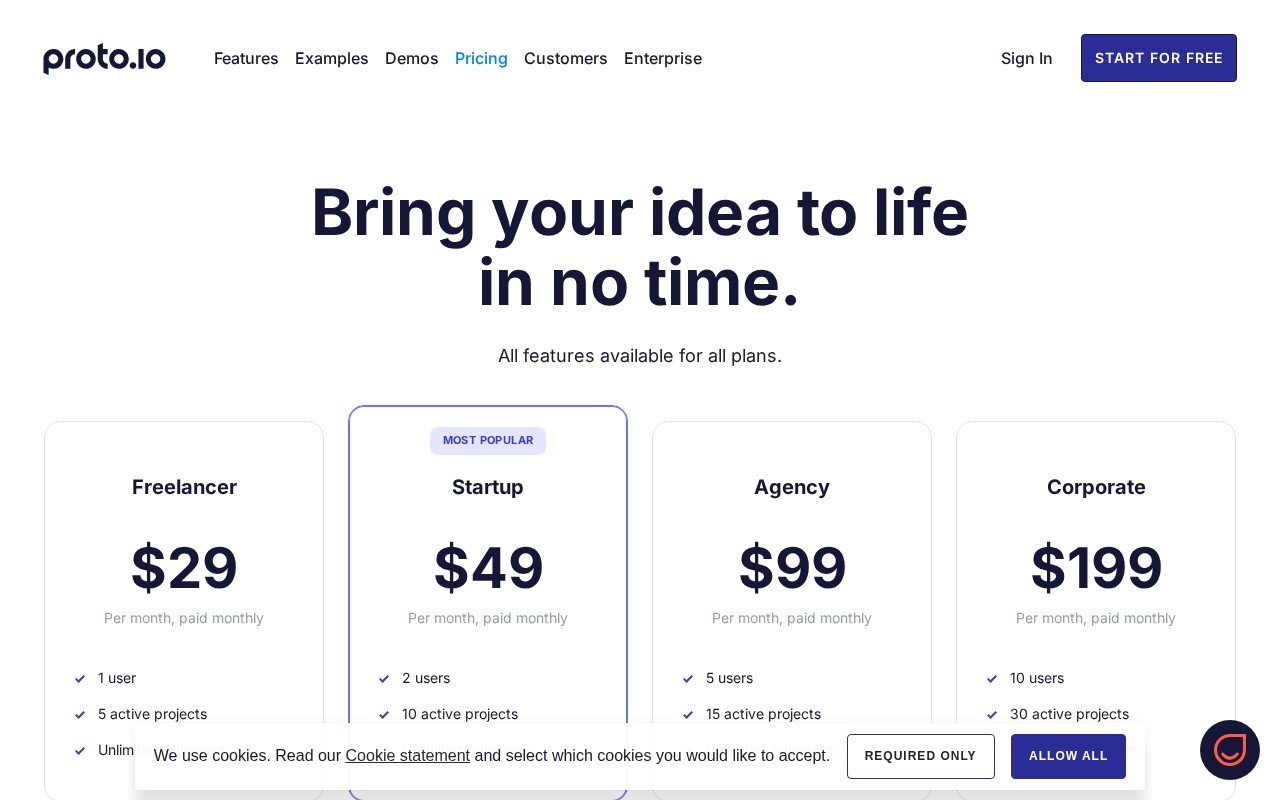
Proto.io offers a range of plans; check their site for current pricing as specific details are not provided here.
Proto.io is a web-based, no-code tool with a drag-and-drop interface, making it suitable for designers, product managers, and entrepreneurs without coding skills.
Yes, Proto.io integrates with popular design tools like Sketch, Figma, Adobe XD, and Photoshop, allowing you to import assets directly.
Proto.io is designed for creating high-fidelity, interactive prototypes with a vast library of UI components and templates, making it a strong choice for detailed UX design and product mockups.
Facts on this page are attributed to their source and verification status where available. Primary source: proto.io.
Versioned field history and change tracking will appear here as the tool is enriched and updated (Phase 2+).