The collaboration layer your AI tools are missing
Unknown
invisionapp.com—
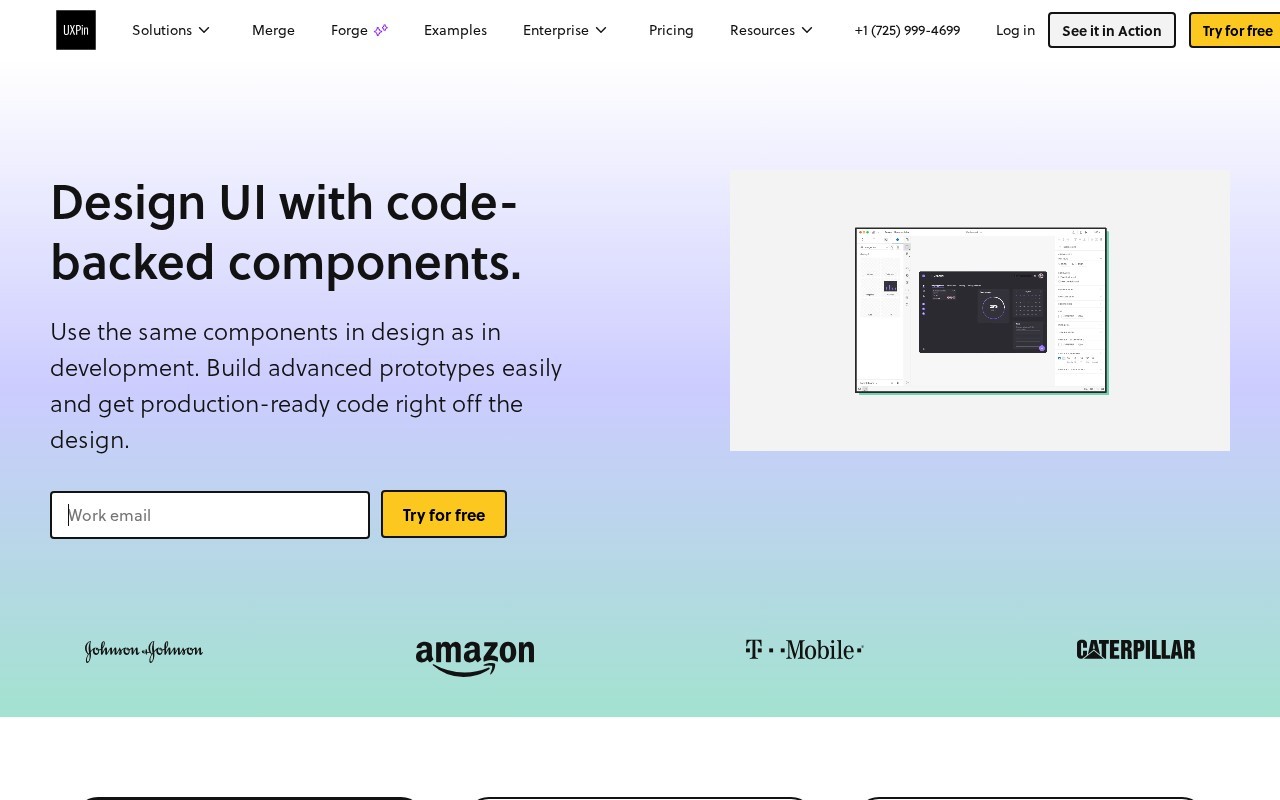
Design UI with code-backed components.
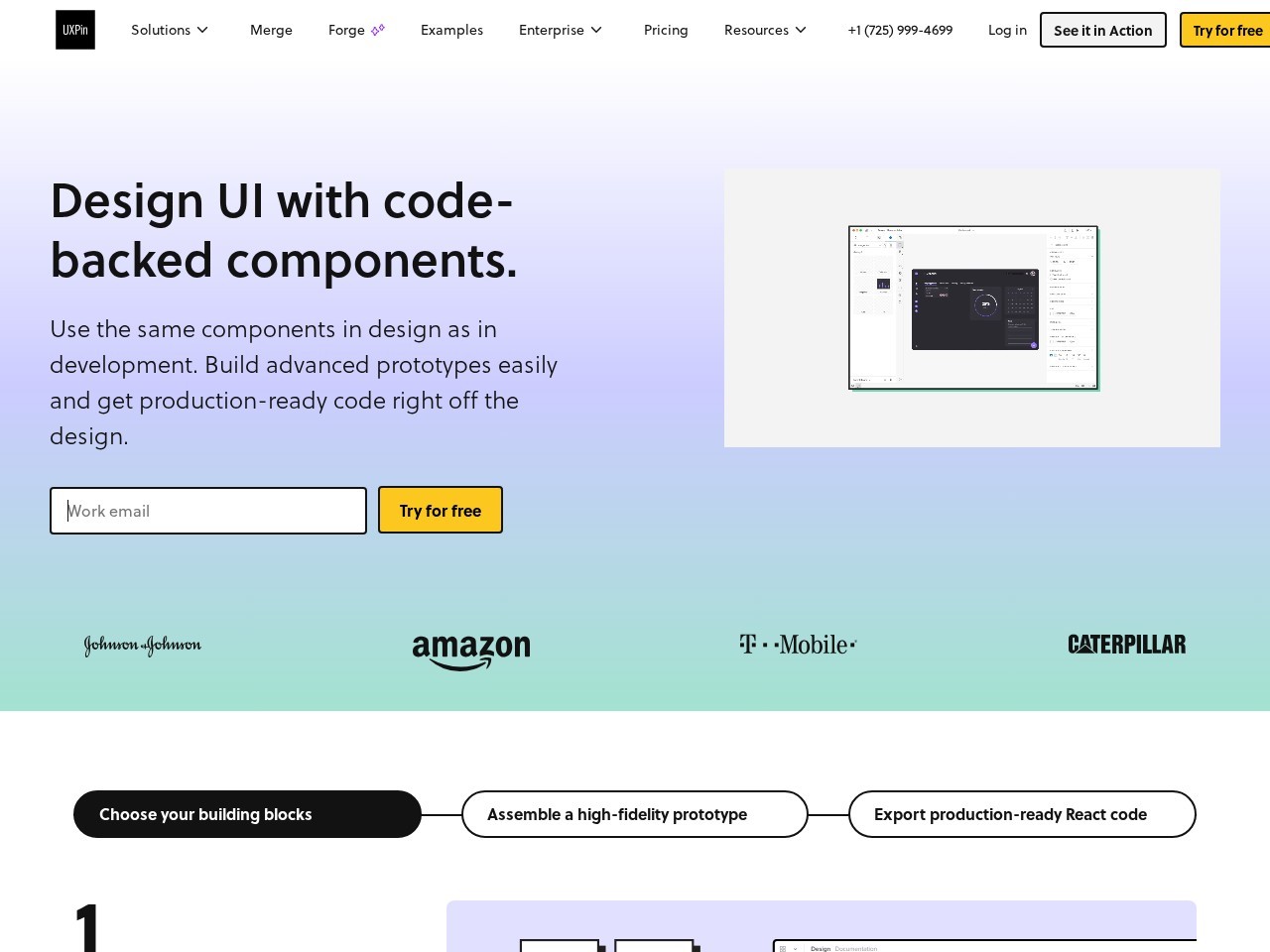
UXPin is a Design tool that starts at $29/mo. Design UI with code-backed components.
UXPin enables product teams to design with real code components, bridging the gap between design and development. It offers features like AI-powered prototyping, built-in React libraries, advanced interactions, and Git integration for custom component libraries. The platform supports high-fidelity prototyping with conditional logic, variables, and expressions, making prototypes behave like real products. UXPin is used by enterprises and growing teams to enhance collaboration, reduce handoff friction, and ship products faster.
👍 Best for
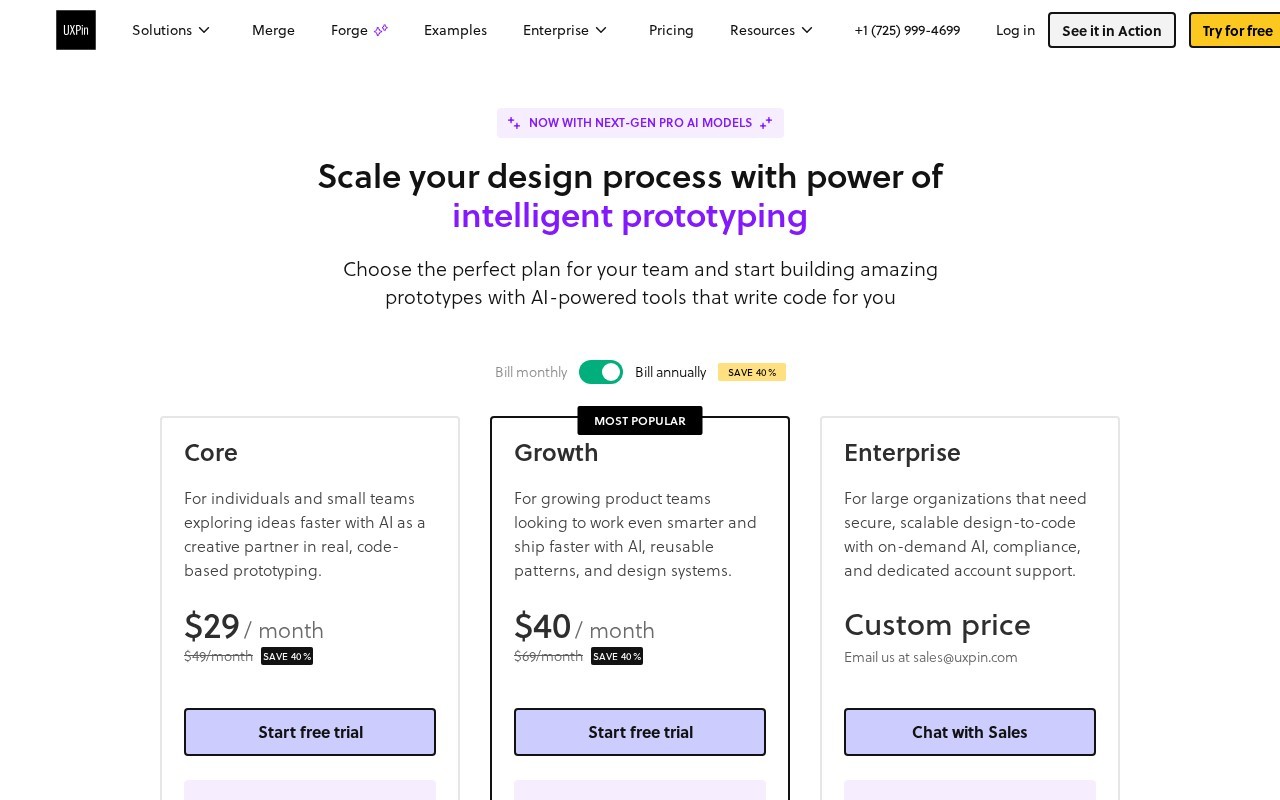
Pricing model: Subscription · from $29. No plan details yet.
Save 40% when paying annually for Core or Growth plans
The platform offers intuitive code-backed design but may have a learning curve for non-technical users.
Confidence: 80%
Extensive prototyping capabilities with AI, code components, and advanced interactions.
Confidence: 95%
Strong integrations with Git, Storybook, Jira, and design tools like Figma/Sketch.
Confidence: 90%
Enterprise plan offers dedicated support, while lower tiers have email/chat options.
Confidence: 80%
Competitive pricing with significant annual discounts and enterprise-grade features at mid-tier plans.
Confidence: 90%
UXPin merges design and engineering with code-backed prototyping, AI features, and robust collaboration tools for product teams.
Share your experience to help the community.
Sign in to reviewPowerful Code-Backed Prototyping for Technical Teams
UXPin stands out as a robust solution for teams that prioritize functional prototypes over static designs. Its ability to work with actual code components (from popular libraries or your own Git repos) makes it invaluable for reducing design-to-development friction. The AI features, while credit-limited in lower plans, add meaningful productivity boosts. Enterprise teams will appreciate the security features and dedicated support. While it may not replace pure visual design tools, UXPin excels at creating prototypes that behave like real products - complete with variables, conditional logic, and production-ready code export.
No suggestions yet — contribute to improve this page.
No discussion yet — start the conversation.
The collaboration layer your AI tools are missing
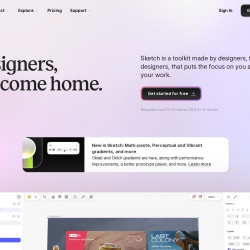
Designers, welcome home.
Wireframe, Diagram & Whiteboard Online
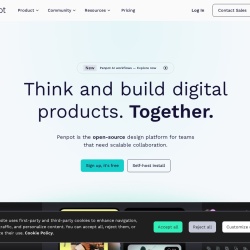
Open-source design platform for scalable collaboration
Visit the UXPin website and sign up for their free plan to start exploring the platform's features.
Familiarize yourself with the built-in React libraries like MUI, Tailwind UI, and Ant Design to start designing with code-backed components.
Use the design tools and components to build a prototype. Experiment with conditional logic and variables to make it interactive.
If you have a custom design system, use UXPin's Git integration to sync your own React components for use in prototypes.
Invite team members to view and comment on your prototype in real-time to gather feedback and enhance collaboration.
Use the platform's features to organize your design, add documentation, and export production-ready code to streamline the handoff to developers.
UXPin offers a subscription model with a starting price of 29 USD per month. They also have a free plan available.
Yes, UXPin offers a free plan for users to try out the platform.
UXPin's key features include AI-powered prototyping, built-in React libraries, Git integration for custom components, conditional logic and variables, advanced interactions, design system support, and production-ready code export.
Yes, UXPin is used by enterprises for high-fidelity prototyping, design system management, and streamlining the design-to-development process, making it suitable for enterprise product design.
Yes, one of UXPin's key features is the ability to export production-ready code, which helps bridge the gap between design and development.
Facts on this page are attributed to their source and verification status where available. Primary source: uxpin.com.
Versioned field history and change tracking will appear here as the tool is enriched and updated (Phase 2+).